105
6-2-8) ELECTRIC JOURNAL CLEAR
The Electronic journal memory will be cleared without printing.
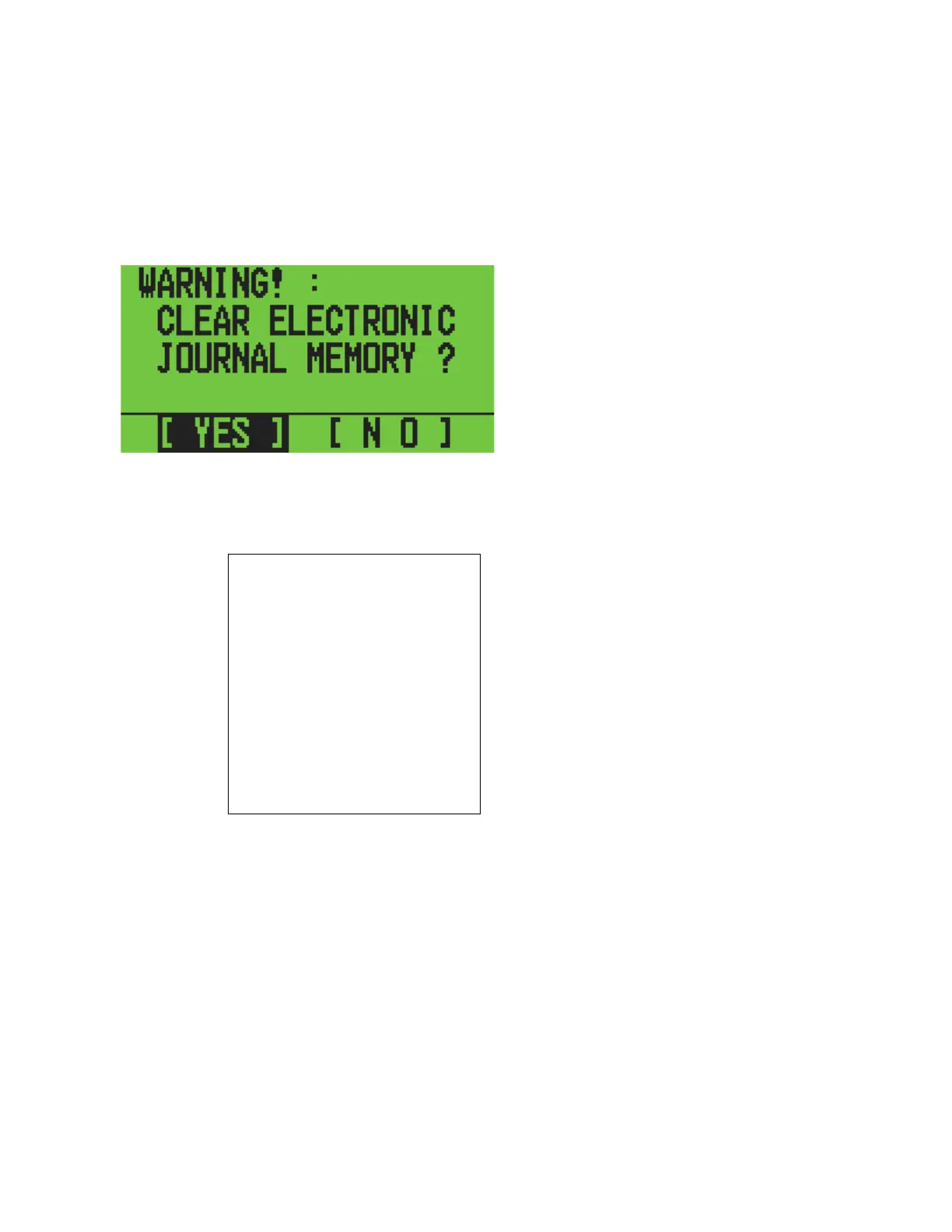
Select EJ CLEAR at the Z REPORT initial menu using the [↓] [↑] key. Press [ENTER] to
show the following display.
LCD
Select YES or NO using the [→] [←] keys. If you select [YES], press [ENTER] to print it on
the report.
16:20 04-1
1-2006
MC NO.0000
0006
E.JOURNAL CLEAR
Z
E.JOURNAL USED
00000L
E.JOURNAL FREE
05000L
The LCD display returns to the Z REPORT initial menu.



 To Next Page