95
6-2-2) DUPLICATE Z REPORT
The same report as the daily report is published again.
* The [subtotal] key is pressed for daily report immediately after issuing.
* The contents of printing become completely the same as daily report.
Note) You can stop printing the report by pressing the paper feed key.
6-2-3) PLU REPORT
To read the PLU sales totals and reset the PLU total to zero:
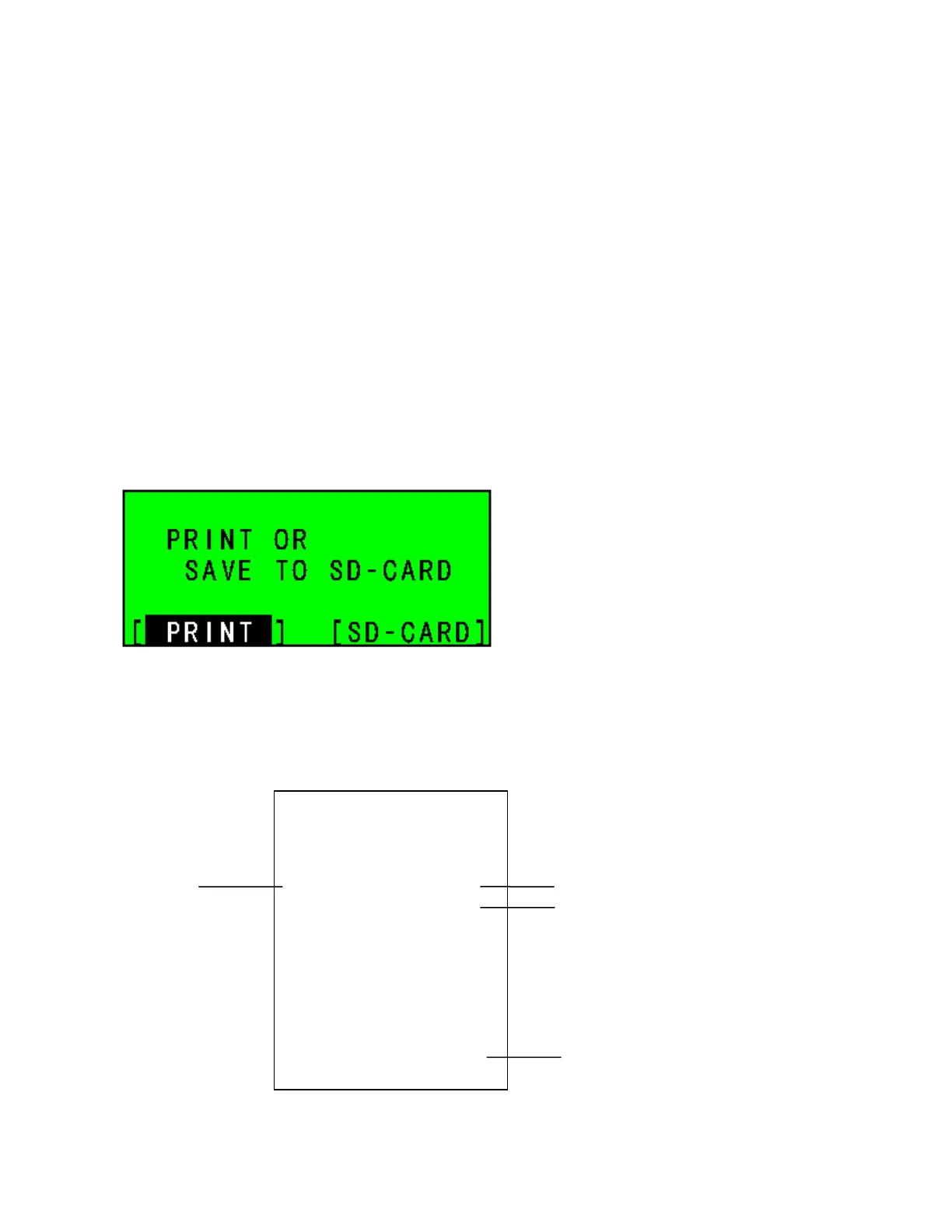
Select PLU REPORT at Z REPORT initial menu using the [↓] [↑] keys. The ECR will ask
you to print the PLU report or save it to the SD-card.
LCD
* When you select [SD-CARD] and press [ENTER], the PLU report will be saved to SD-card.
* When you select [PRINT] and press [ENTER], the PLU report will be printed.
13:53 04-11-2006
MC NO.0000 0063
PLU
REPORT
Z
SNEAKER 1
$10.00
TOMATO 1
$1.00
APPLE 1
$1.00
LEMON 1
$1.00
TL-PLU $13.00
SALES QUANTITY
SALES TOTAL
ALL PLU SALES TOTAL



 To Next Page