79
6-1-3-3) ALL PLU REPORT
To read the PLU Sales Totals:
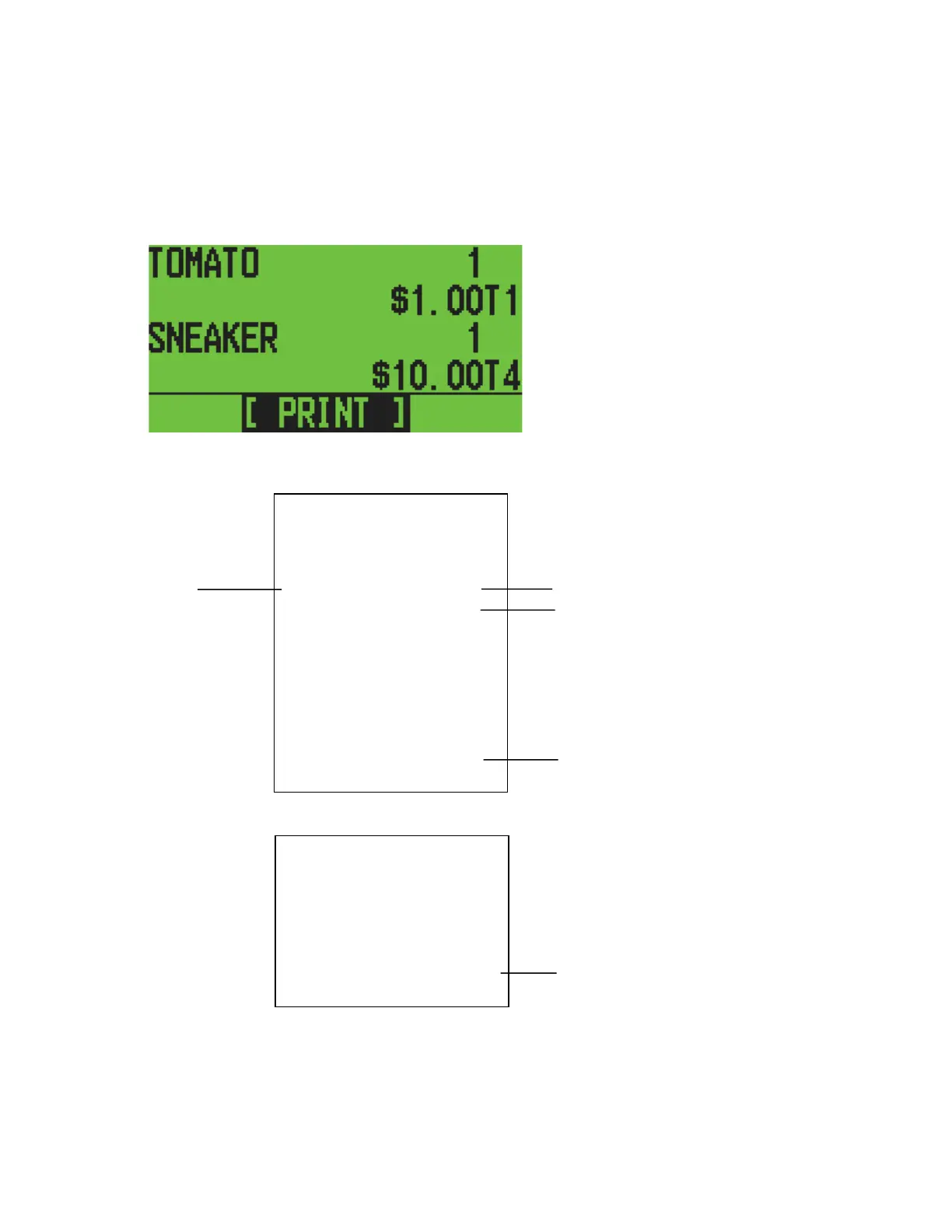
Select ALL from the PLU REPORT initial menu using the [↓] [↑] keys and press [ENTER].
LCD
Press [ENTER] to print it.
13:53 04-11-2006
MC NO.0000 0063
PLU
REPORT
X
TOMATO 1
$1.00
SNEAKER 1
$10.00
APPLE 1
$1.00
LEMON 1
$1.00
TL-PLU $13.00
SALES QUANTITY
SALES TOTAL
ALL PLU SALES TOTAL
13:53 04-11-2006
MC NO.0000 0064
PLU
REPORT
X
TOMATO 1
$1.00
************************
After printing the PLU RANGE report, the display returns to the PLU REPORT initial menu.
Note) You can stop printing the report by depressing the paper feed key. In that case, the
total range of PLU sales will not be printed.



 To Next Page