INITIAL SETUP AND PROGRAMMING
STEP FOUR:
Entering Steps
1,
2, & 3 — The data input for Program One
"PGM-1"
is
now complete You should have
six
(6) numbers showing
in
the
display window
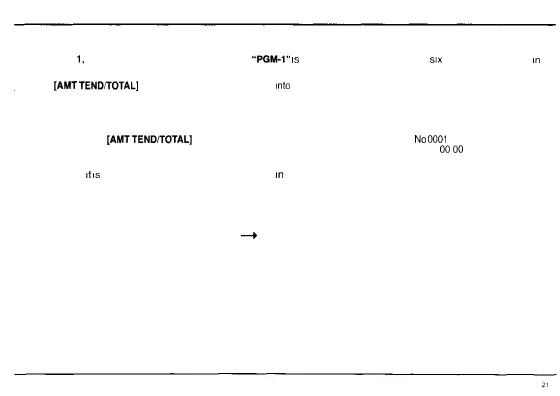
Press the
[AMI
TEND/TOTAL]
key to enter the programmed data
into
the register and to get a tape readout
PROGRAM EXAMPLE
PRESS DISPLAY PRINTOUT
102020 102020
[AMTTEND/TOTALJ
102020
No
0001
00
0000
00 00 00
IMPORTANT If
it
is
necessary to reprogram any of the options
in
Program One "PGM-1" Step 1 through Step 4 of the programming
procedure must be repeated
GO TO NEXT PAGE FOR PROGRAMMING PGM-2
—>



 To Next Page