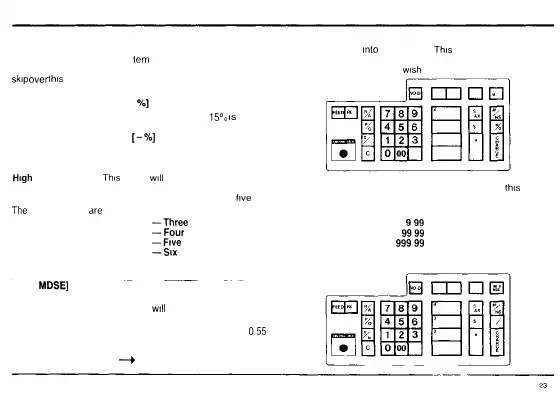
INITIAL SETUP AND PROGRAMMING
STEP TWO.
Discount Rate Percentage — A fixed percentage discount rate can be programmed
into
the register
This
percentage rate can be
discounted from an individual
tem
or an entire transaction The programmed discount rate can be overridden for a single transaction by
manually entering a different discount rate Refer to Page 42 for transaction examples If you do not
wish
to enter a fixed discount you can
skip
over
this
step
Enter the appropriate discount rate by pressing the number on the
keyboard and then press the [ -
%]
key
PROGRAM EXAMPLE A fixed discount rate of
15°°
is
selected
PRESS DISPLAY
15
[-%]
G 015
GO ON TO STEP THREE
STEP THREE:
High
Digit Lock out —
This
option
will
safeguard your employees or yourself from entering a sale price beyond your desired price The
number of digits that can be entered by the operator can be limited from a minimum of three to a maximum of seven To override
this
lockout
press the release [REL] Key You must choose one of the
five
options before going on to step four
The
fve (5) options
are
35
—Three
Digits
45
—Four
Digits
55
—Five
Digits
65
—Six
Digits
75 — Seven Digits
Press the appropriate numbers on the keyboard then press the
[RETD
MDSE]
key
PROGRAM EXAMPLE A maximum 5 digit lock out has been
selected The highest possible entry
will
be 999 99
PRESS DISPLAY
55 [RETD MDSE]
055
GO ON TO STEP FOUR
—•*
HIGHEST POSSIBLE ENTRY
999
9999
99999
9999 99
99999 99 (Maximum display)



 To Next Page