2-11
STARTUP AND OPERATIONAL CHECK
When power is applied, all LEDs will first flash red, then green. This confirms that all LEDs are
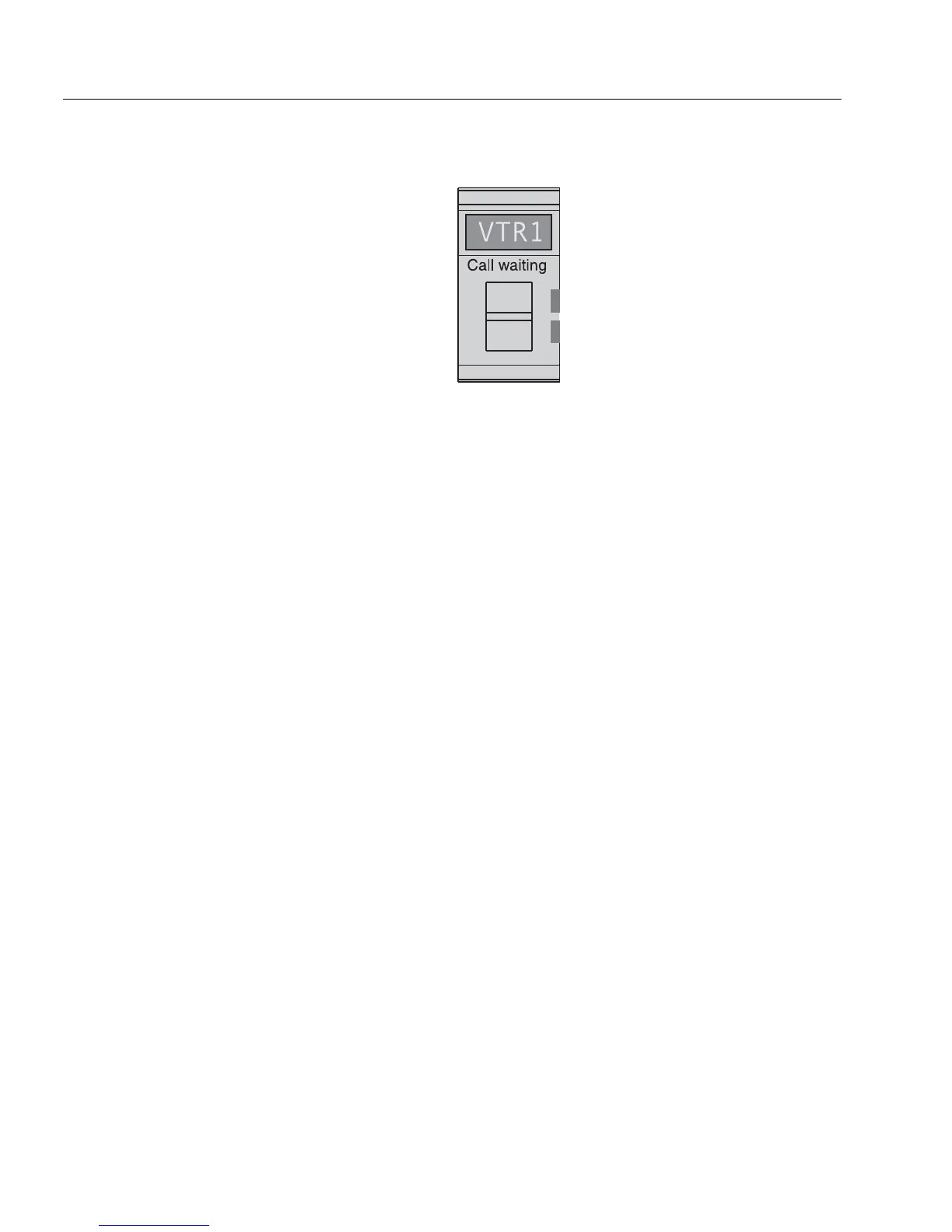
working correctly. Also, the call waiting window will display asterisks (****) then dashes (----).
Figure 2.6
Call Waiting Window (CWW) and Key
NOTE
If the keypanel cannot establish data communications with the intercom system, asterisks will
continue to display. Check the intercom cable connections (in particular, the data connections).
Several symptoms may occur if the keypanel address is incorrectly set: 1) there may be no
indication when there is an incoming call; 2) when an intercom key is pressed to talk, the
destination may not hear the audio, 3) the call waiting display may behave erratically. If any of
these symptoms occur, recheck the keypanel Address switch setting.
Important!
Always reset the keypanel after changing the Address switch setting. Do this by briefly removing
power to the keypanel.
If installing a WKP-4, assemble the front panel into the mounting box using the screws supplied
with the WKP-4.
This completes the standard installation procedures.



 To Next Page