Version 1.4 Page | 19
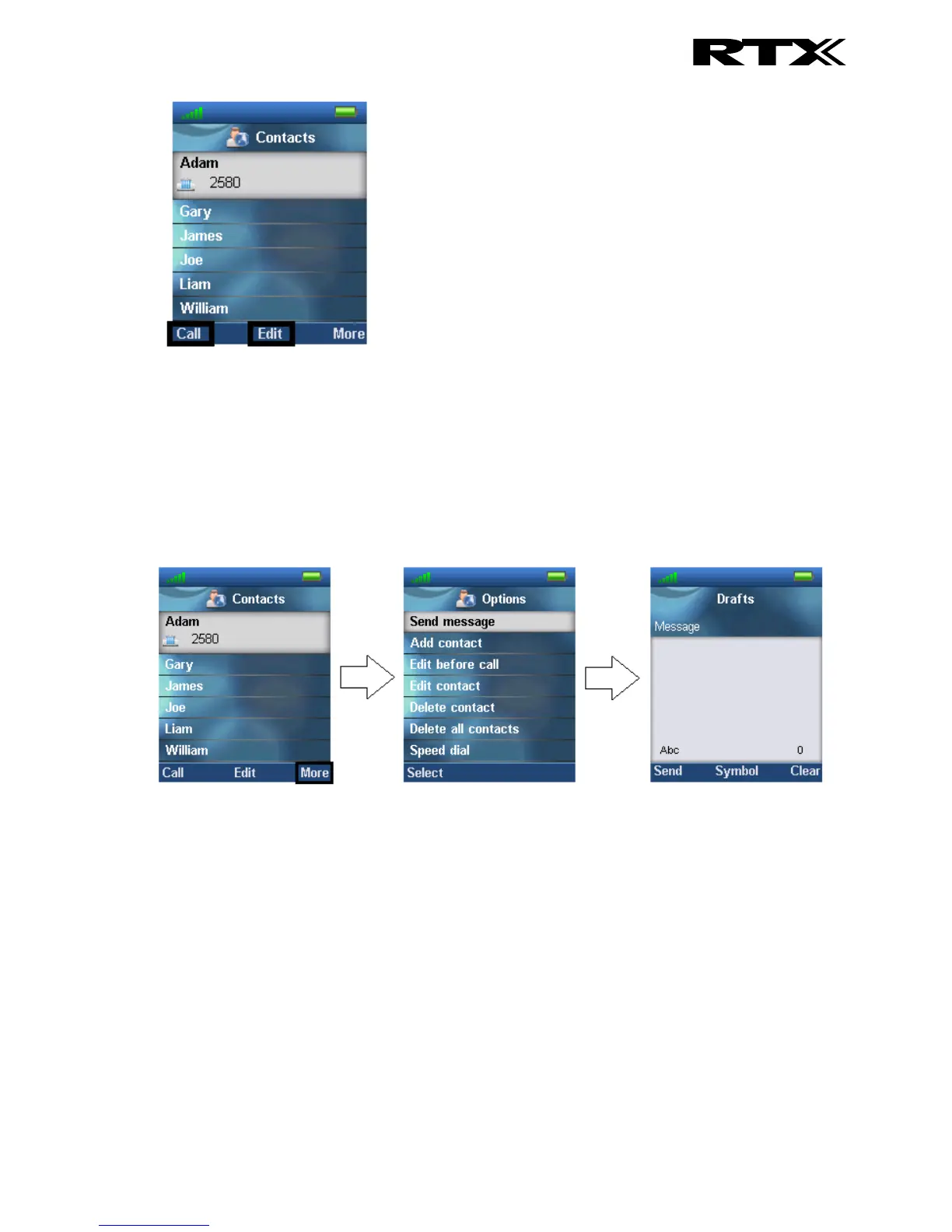
Pressing “Call” initiates a call to this contact.
When pressing “Edit” it is possible to edit the name, work, mobile, home, other, or ringtone for the
highlighted contact.
6.1.3 Send Message to Contact
From Contacts it is possible to send a message directly to a contact in the list. How to do this is
displayed in the images below:
In this way, it is possible to send a text message directly to a specific contact. For more information on
the text messaging feature see section 6.6 Messaging.
6.1.3 More Contacts Options
When a specific contact is highlighted, pressing “More” in the “Contacts” menu enables the features
seen below.



 To Next Page