Version 1.4 Page | 71
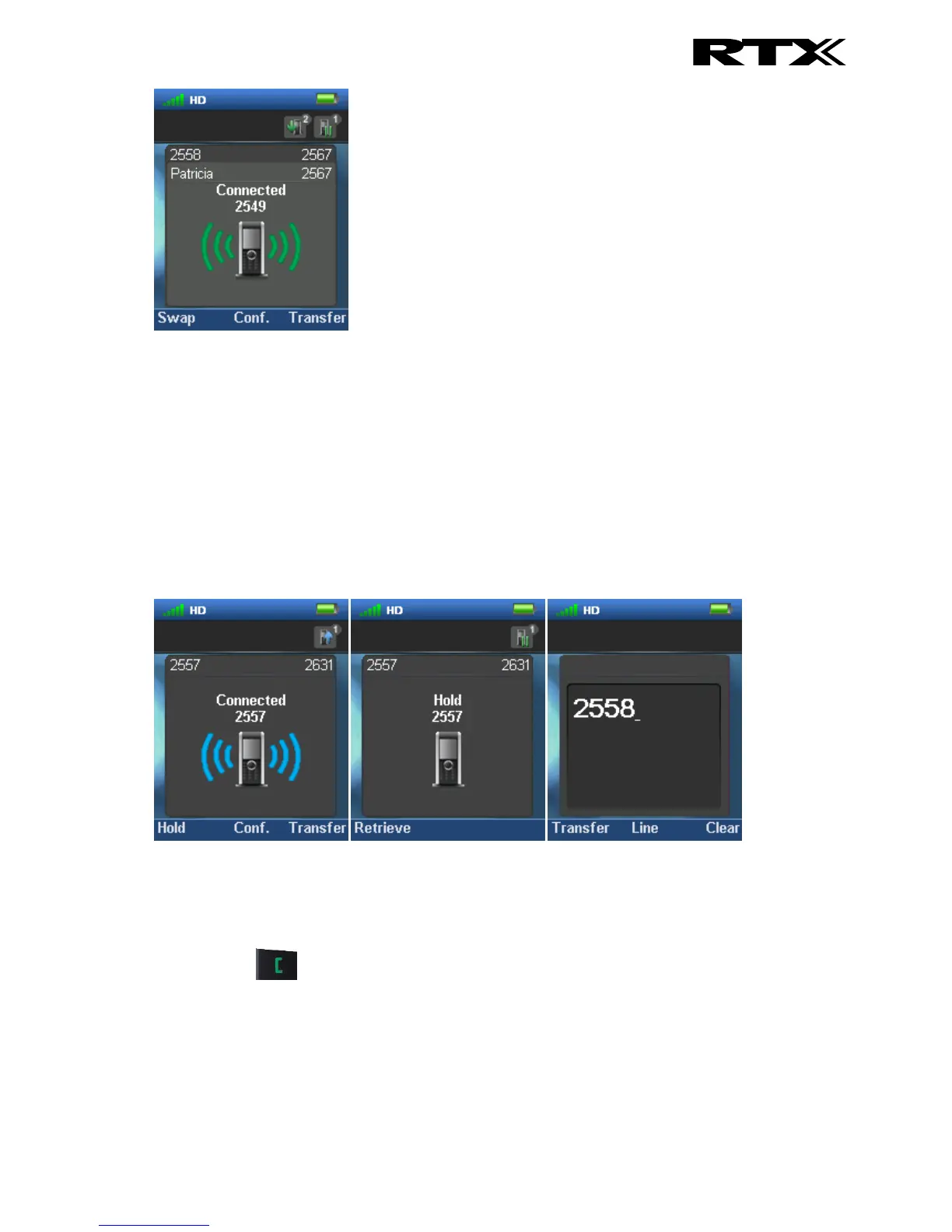
This indicates that the party 2567 now has two ongoing calls with one of them on hold, and it is
possible to swap between them, make a conference, or transfer one of the parties.
7.7 Conference Call
In a conference call there are always at least three parties in the same conversation. Hereby, this
feature enables the user to have an ongoing call with more than one person – the parties in a
conference call are called participants.
7.7.1 Establishing a Conference Call
In the following, it is described how to establish a conference call between three parties.
1. Initiate a call with a counterpart so that the handset displays “Connected” as shown above.
2. Press the middle softkey “Conf.” to start a conference call.
3. The second party is put on hold and will hear a tone on hold.
4. Enter the number of the party to invite to the conference and press the green “Off-hook”
button to call this participant.



 To Next Page