Version 1.4 Page | 57
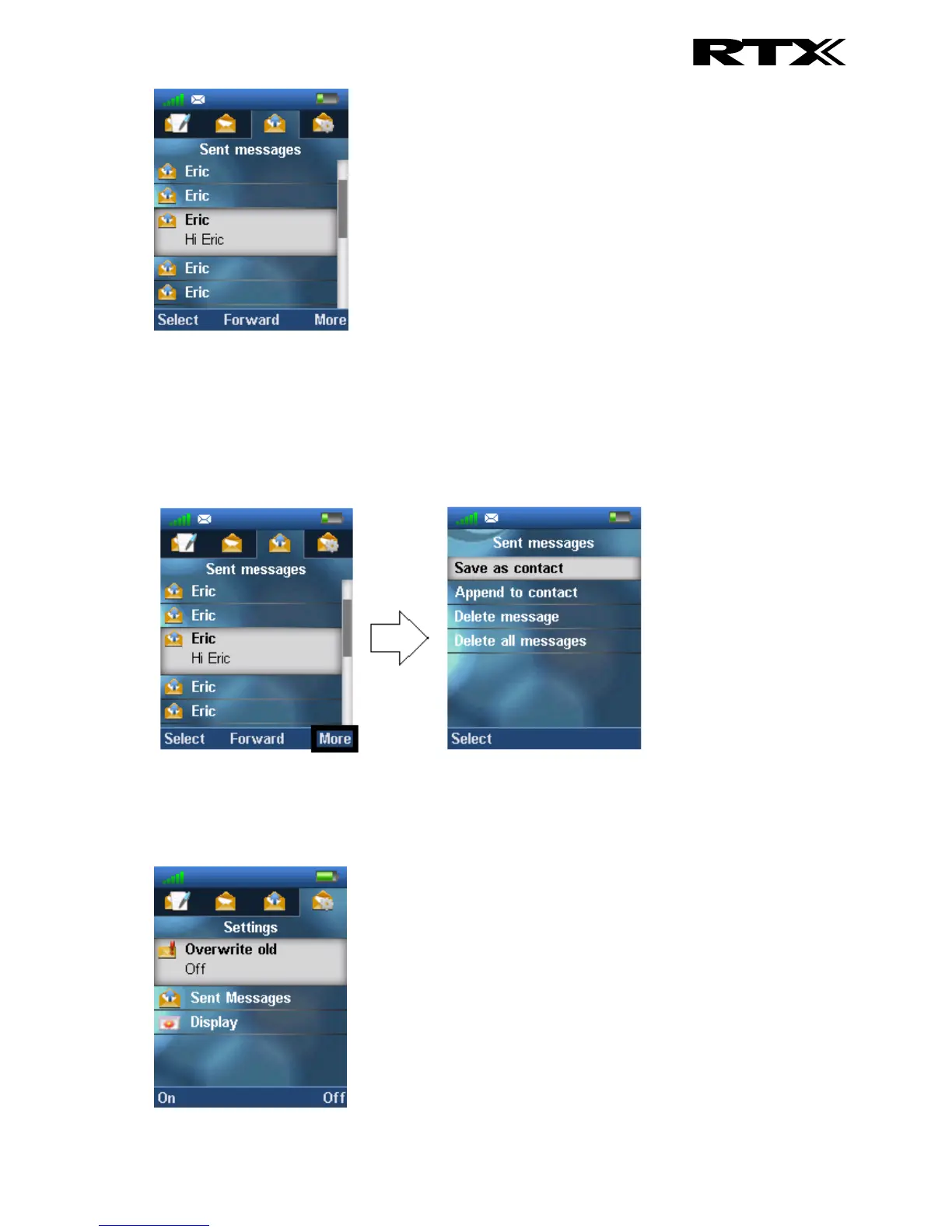
To open a sent message scroll up/down to highlight it, and then press the left softkey ‘Select’. By
pressing the middle softkey, the message is opened, and it is possible to forward it to another handset
than it was originally sent to.
6.6.8.1 The More Option
When pressing the right softkey ‘More’ a list of options is given as seen below.
6.6.9 Settings
In the ‘Settings’ menu it is possible to set messaging options on or off. These options will be described
below.



 To Next Page