Version 1.4 Page | 30
For the handset to automatically select a network “Auto. select” can be selected. In this way, the
handset automatically chooses the network in range.
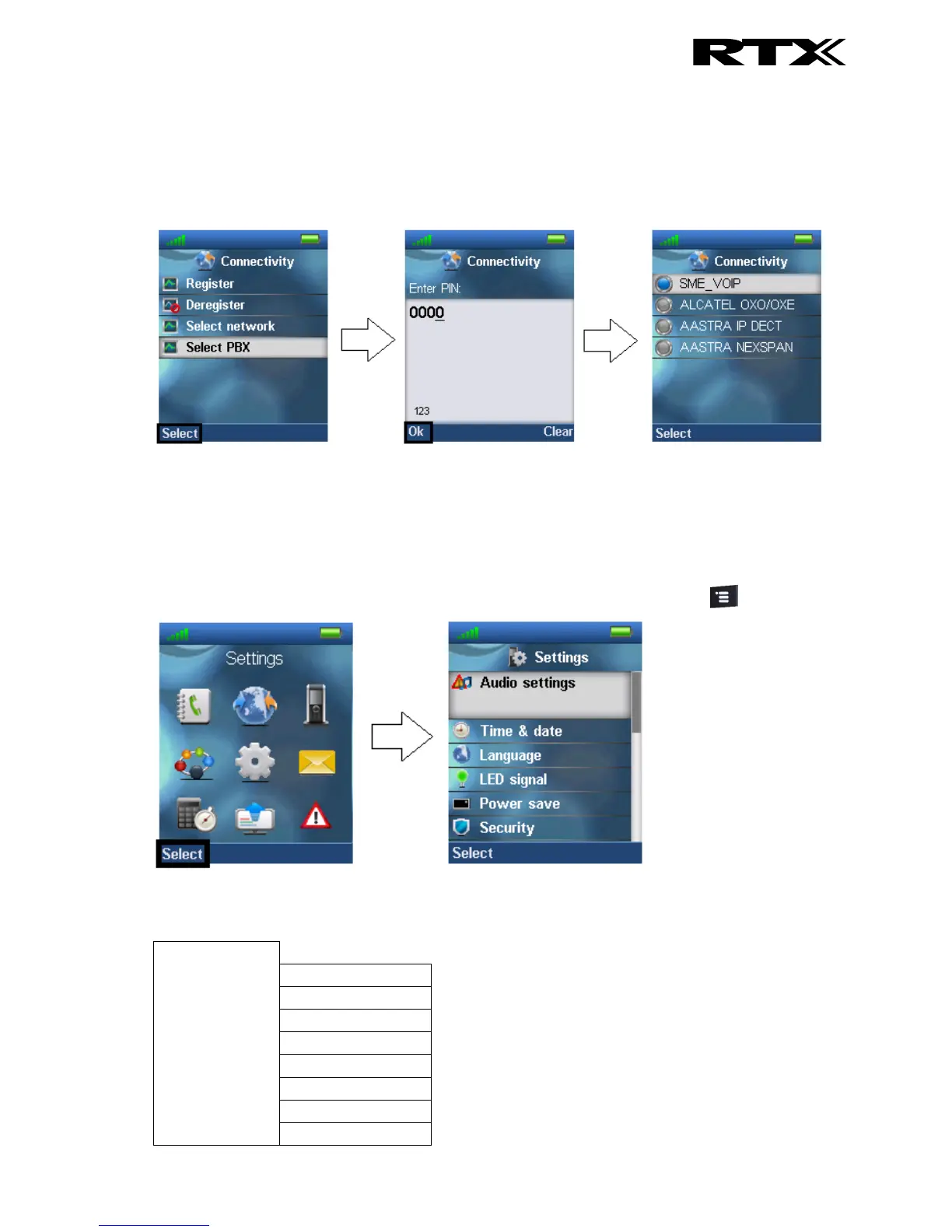
6.4.4 Select PBX
In the “Select PBX” menu it is possible to select another PBX for the handset to use.
With this feature it is possible to connect the handset to another PBX than the one used by the base
station system. In this way, the handset can for example function on a PBX without being connected to
a system of base stations.
6.5 Settings
The “Settings” menu is entered through the menu by pressing the activity menu key in idle.
The “Settings” menu contains the following personal handset settings:



 To Next Page