Each of these settings will be described in the following.
6.5.1 Audio Settings
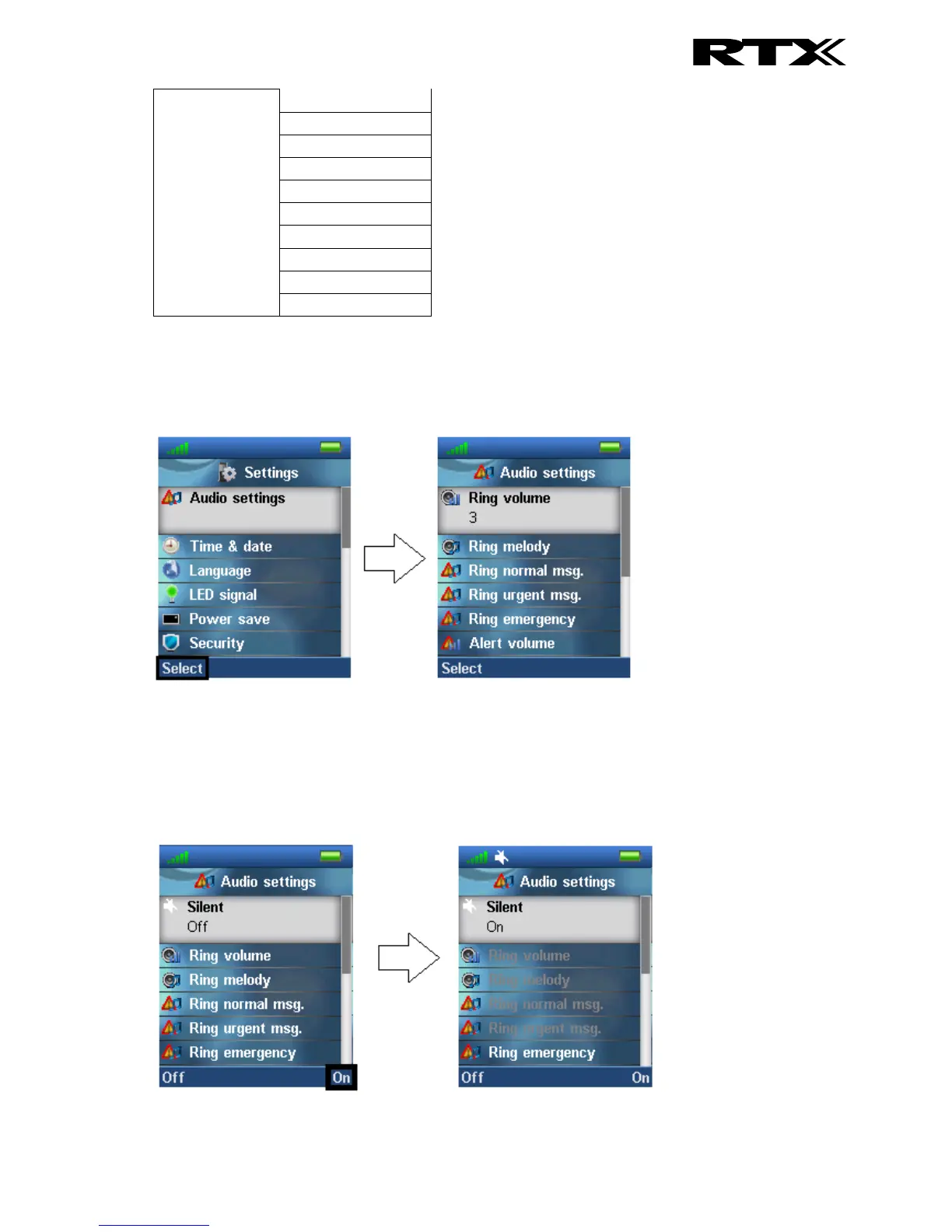
The “Audio settings” menu contains different settings for the sounds on the handset.
6.5.1.1 Silent
The “Silent” profile can be either enabled with the right softkey “On”, or disabled with the left softkey
“Off”. When the “Silent” profile is enabled no sounds are played on the handset, and the handset does
not ring on incoming calls or messages.



 To Next Page