Version 1.4 Page | 26
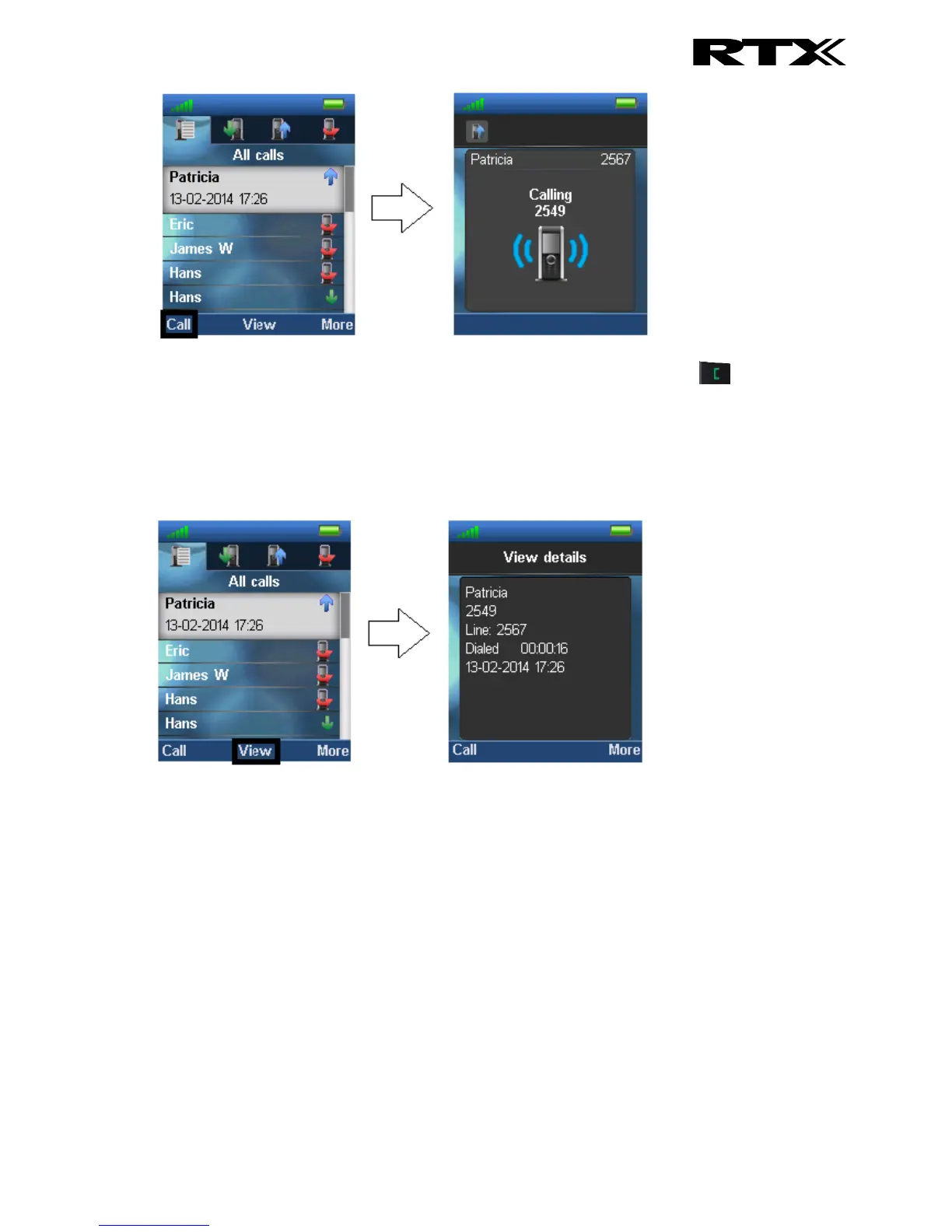
A call can also be made to the highlighted entry by pressing the green off-hook key .
6.3.2 View
The middle softkey enters a “View” function for each entry. With this feature the following details of
the call can be seen: number, line number, status (answered, dialed, missed), duration, and time
stamp as displayed in the image below.
6.3.3 More Calls Options
When a specific call is highlighted, pressing “More” in the “Calls” menu enables the features seen
below.



 To Next Page