2
Introducing the ZoneFlex Access Point
Getting to Know the Access Point Features
Getting to Know the Access Point Features
This section identifies the physical features of each ZoneFlex Access Point model that
is discussed in this guide. Before you begin the installation process, Ruckus Wireless
recommends that you become familiar with these features.
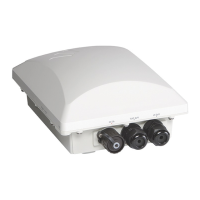
■ ZoneFlex 2741 Access Point
■ ZoneFlex 7762 Access Point
■ ZoneFlex 7762-S Access Point
■ ZoneFlex 7762-T Access Point
■ ZoneFlex 7762-AC Access Point
■ ZoneFlex 7762-S-AC Access Point
■ ZoneFlex 7761-CM Cable Modem Access Point
NOTE: This guide does not include information on ZoneFlex Indoor Access Points,
ZoneFlex 7731 Wireless Bridge, or ZoneFlex 7025 Multimedia Wi-Fi Wall Switch. For
information on those ZoneFlex models (along with Ruckus Wireless MediaFlex and
MetroFlex product lines), refer to their respective documents available from
support.ruckuswireless.com
.











 To Next Page