83
Managing the Access Point
Viewing Associated Wireless Clients
Viewing Associated Wireless Clients
A usage-monitoring capability has been built into the Access Point to help you
monitor wireless clients that are associated with your wireless network.
To view associated wireless clients
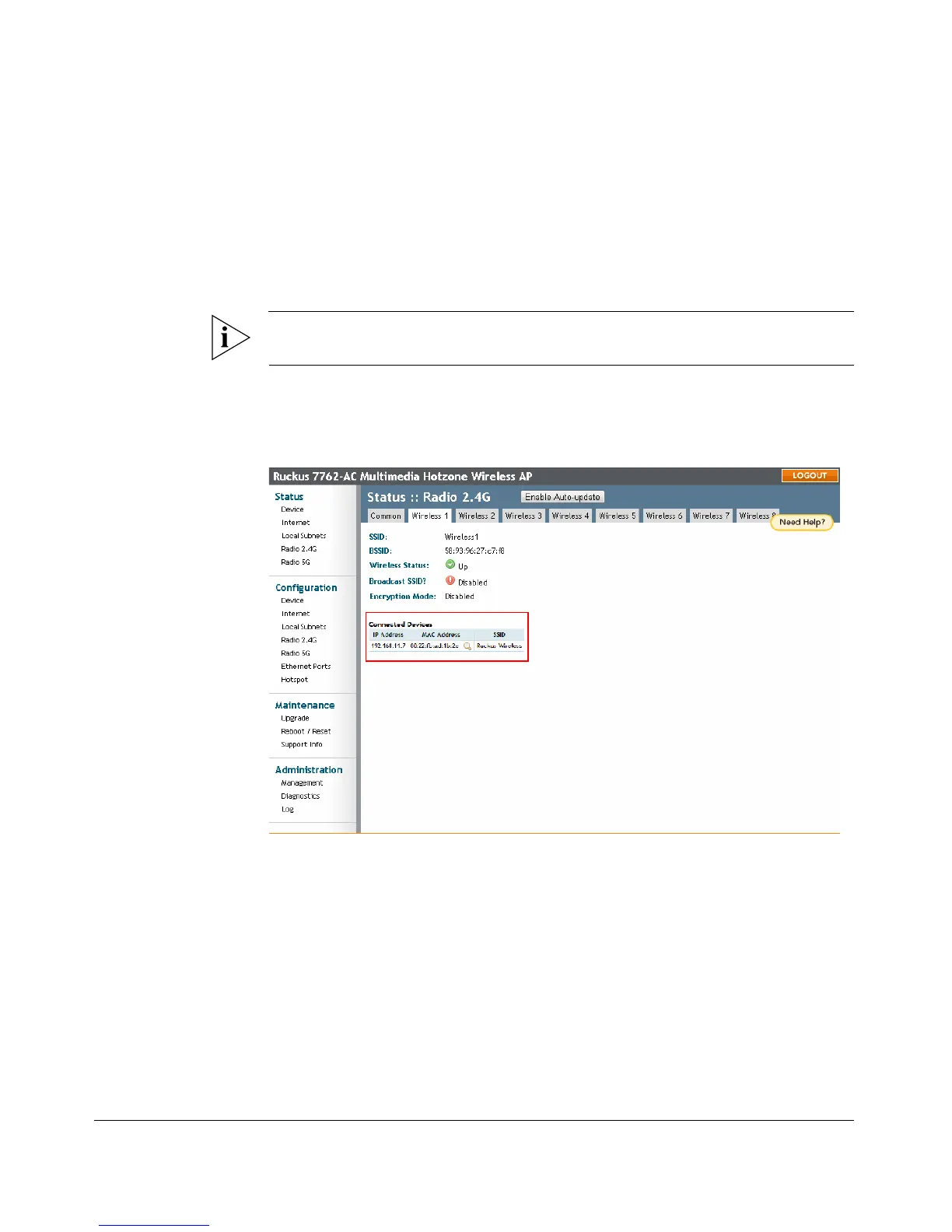
1. Go to Status > Wireless. The Status > Wireless page appears.
NOTE: If you are using a dual band ZoneFlex AP, go to Status > Radio 2.4G or Status
> Radio 5G.
2. Click any of the Wireless tabs. Wireless clients that are associated with this
particular wireless network appear under Connected Devices.
Figure 41. Viewing connected devices











 To Next Page