23
2.5.6 SETTING SOS CONTACT
You can set up an emergency contact and make a
SOS call from the smartwatch when it is connected to
your smartphone with the Ryze Fit App running in the
background. Ensure all steps in the “Setting Incoming
Call Alert” section are completed.
Setting up emergency (SOS) contact with the Ryze
Fit App
1) Open the Ryze Fit App and go to the Device tab.
Tap SOS contact.
2) In the following screen, tap Add. Select one contact
you wish to add in your emergency contact list. Tap
to return to the Device menu.
2.5.7 CALLING THE SOS CONTACT
You can make a phone call from the smartwatch when
it is connected to your smartphone with the Ryze Fit
App running in the background. Ensure all steps in the
“Setting Incoming Call Alert” section are completed.
To make a call, swipe right on the smartwatch home
screen to reveal the applications list. Tap SOS Call and
then tap
to start calling the SOS contact.
2.5.8 SETTING SMS QUICK REPLY
For Android phones only, the Ryze Wave smartwatch
supports SMS quick reply to incoming call. Follow the
instructions below to enable this feature.
1) Open the Ryze Fit App and go to the Device tab.
Tap SMS quick reply. In the following screen, turn on
the SMS quick reply switch.
2) To add a custom reply message, tap Add. Type
in your short message and tap Confirm. Tap
to
return to the Device menu.
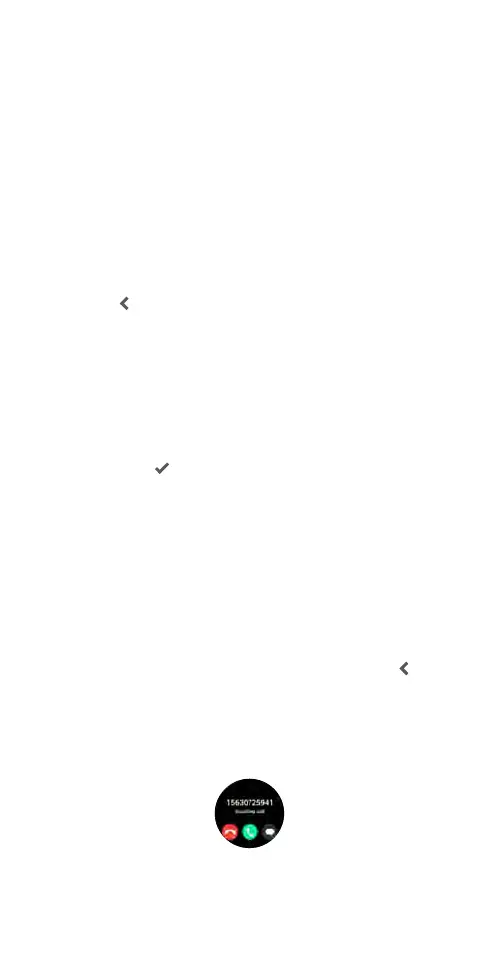
When you receive a call alert on your smartwatch, tap
the on-screen message button and tap on a reply
message. The message will be sent to the caller via
SMS.



 To Next Page