30
2.10.2 VIEWING STRESS LEVEL
Method 1:
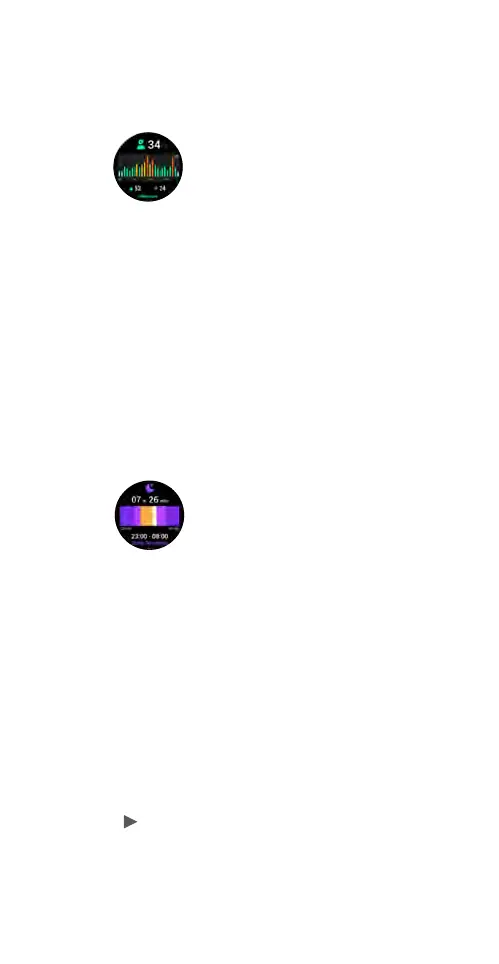
Open the watch Stress application on the smartwatch
to view stress level.
Method 2:
View the Stress card in the Home tab in the Ryze Fit
App. Sync the smartwatch data to the App by swiping
down the phone screen whilst at the Home tab. Tap on
the card title “Stress” to view more analysis.
2.11 SLEEP MONITORING
To monitor sleep quality, enable the feature and wear
the smartwatch while you are sleeping.
1) Open the Sleep application on the smartwatch.
Swipe up/down the screen for a breakdown of sleep
duration across the awake, light sleep, deep sleep
and REM sleep stages.
2) View the Sleep card in the Home tab in the Ryze
Fit App. Sync the smartwatch data to the App by
swiping down the phone screen whilst at the Home
tab. Tap on the card title “Sleep” to view more
analysis.
2.12 BREATHING EXERCISE
You can start a guided breathing session anytime on
the smartwatch. Inhale and exhale to a set rhythm to
help lower stress and practice mindfulness. To start
a breathing exercise, open the Breathing Exercise
application on the smartwatch home screen. Follow the
prompt to complete settings for tempo and duration.
Tap
to start the session. Follow the onscreen
breathing instructions. To exit the session, press the
upper button.



 To Next Page