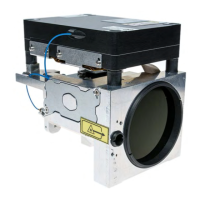
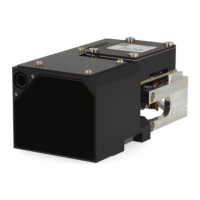
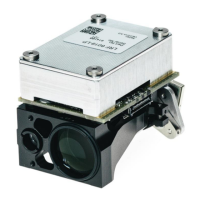
LRF 7047- Integrator Manual
914929_TML_LRF7047_en_Version B
Confidential & Proprietary Safran Vectronix AG – All rights reserved
3.3 Installation of Safran Vectronix Terminal Software
A USB Stick with the Vectronix Terminal Software is included in the Interface Kit (Article No 914752).
Please follow the steps below to install the LRF Terminal Software.
1) Connect the USB-Stick to your PC.
2) Open the “setup.exe” file on the USB-Stick.
3) Select your installation language (English selected as an example).
4) At the welcome screen, click “Next” to continue.
5) Choose the folder in which to install the software, either accepting the default option or browsing
for a folder. Click “Install” to continue.
6) Click “Finish” to complete the setup program.


 To Next Page
 Loading...