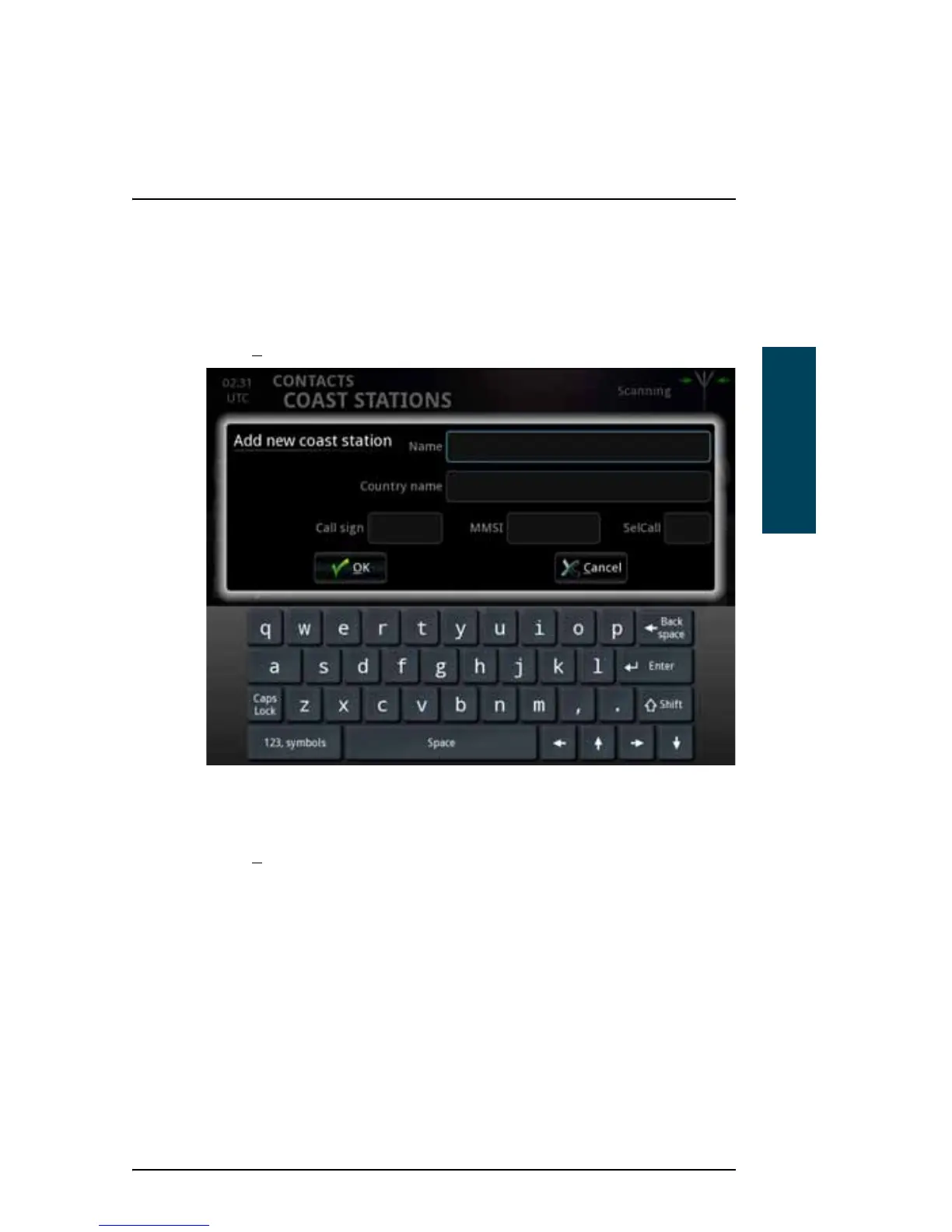
Adding a coast station to the list
To add a new coast station to the list, do as follows:
1. Select N
ew at the bottom of the COAST STATIONS page.
2. Type in the name of the coast station and the name of the country.
3. Type in the Call sign and the MMSI or SelCall number.
4. Select O
K.
Editing a coast station in the list
To edit a coast station in the list, do as follows:
1. From the COAST STATIONS list, select the coast station you want to change.



 To Next Page