Chapter 2: Using the system
38 Contacts - Coast stations
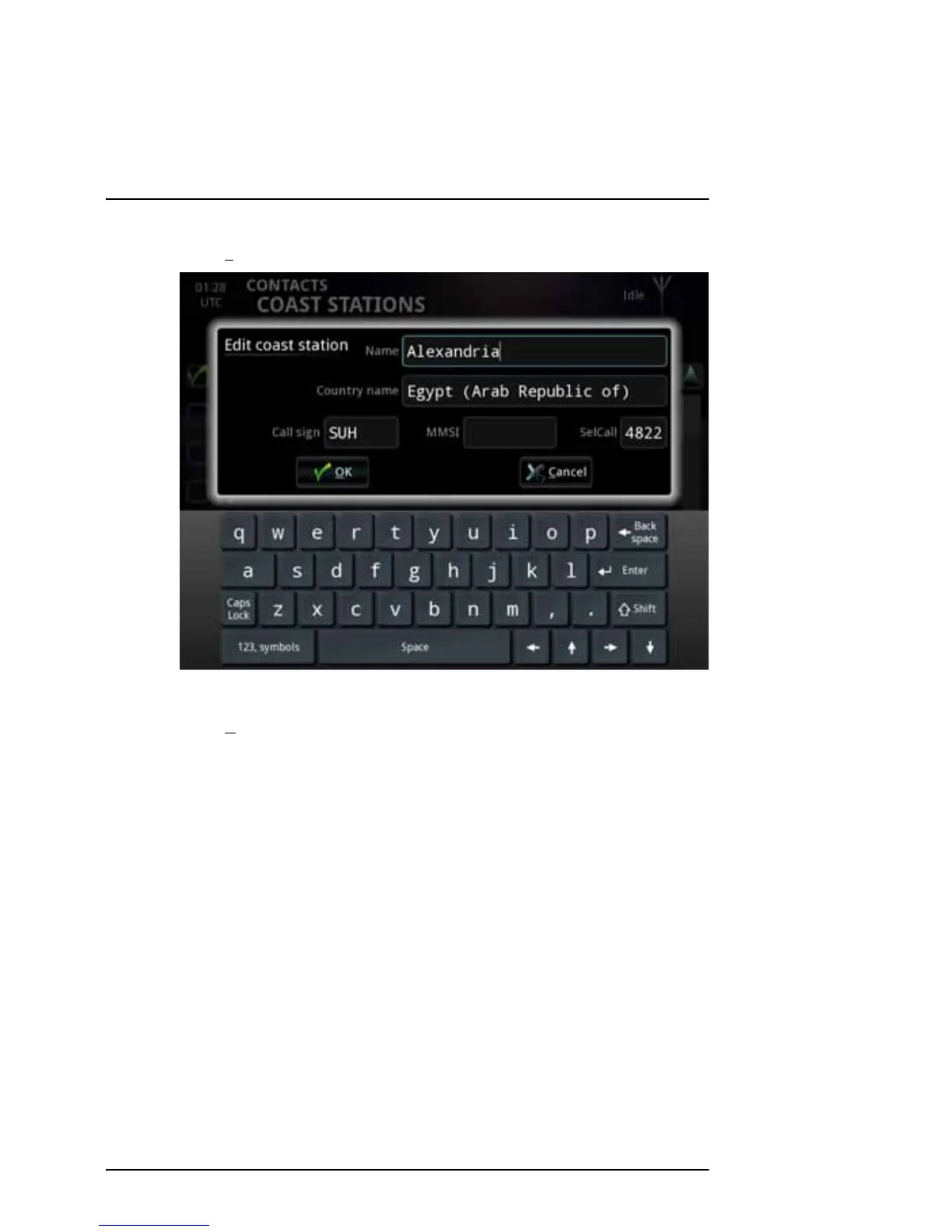
2. Select Edit at the bottom of the COAST STATIONS page.
3. Change the information for the coast station.
4. Select O
K.
The list is now updated with the new information.
For information on how to edit the channels for a coast station, see the next
section.



 To Next Page