Page 39 of 69
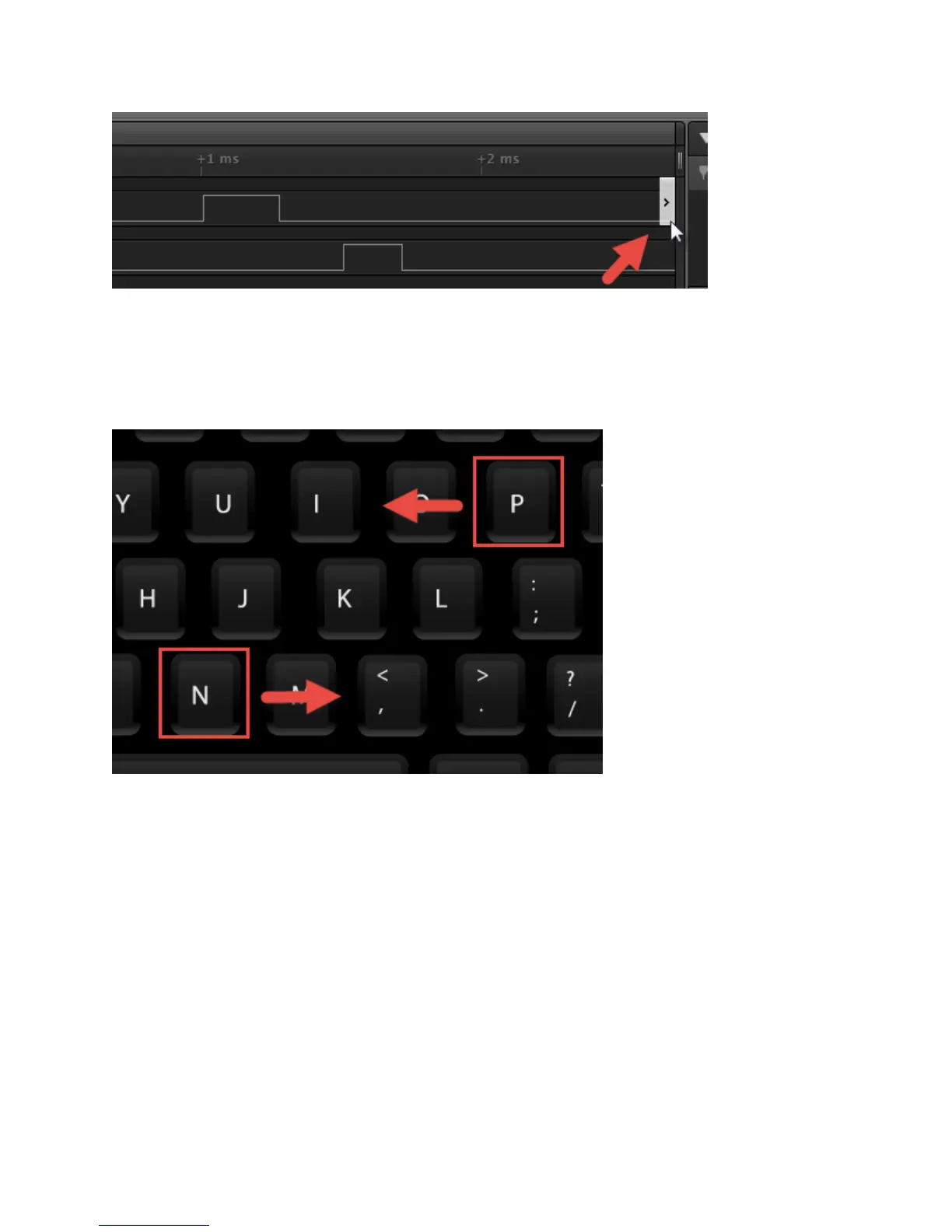
Click this button to jump to the next digital transition on that channel.
You can also use the keyboard shortcuts N and P ("next" and "previous"). The keyboard shortcut applies
to the channel whose jump button was last pressed.
Scrolling through Channels
Sometimes you may have more channels displayed than can fit on the screen at the same time.
Move your mouse over the channel labels on the left side of the software and scroll up and down with
your mouse wheel.


 To Next Page
 Loading...