29
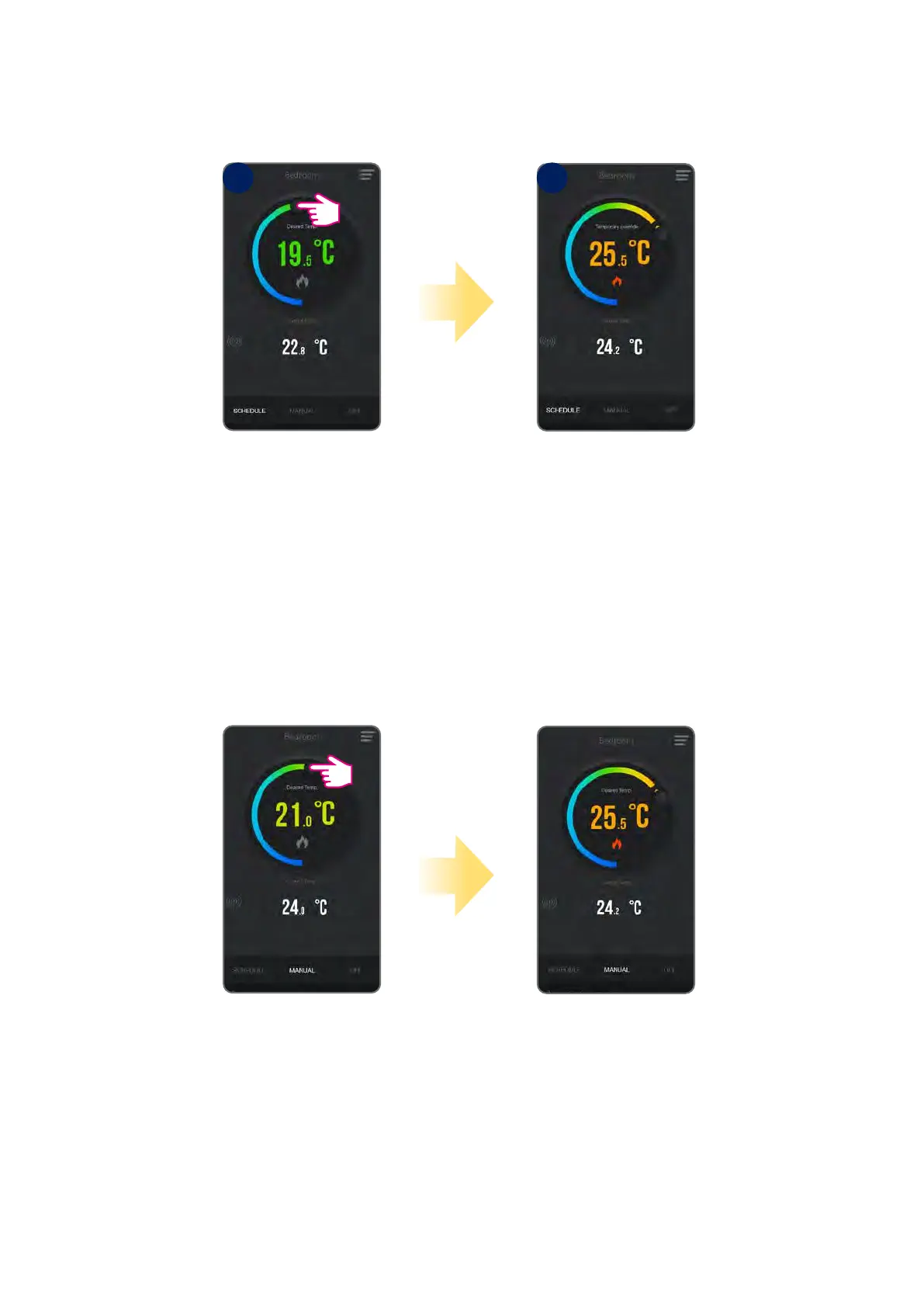
To temporarily override a setpoint temperature, thermostat must be in schedule mode. Set new setpoint temperature using slide button. Thermostat will
keep new setpoint until the next change forced by schedule. See the pictures below:
Thermostat has temporary
overridden the temperature
until next schedule change.
Change the temperature
setpoint during active
schedule mode.
In manual mode
thermostat will maintain
set temperature until user
won’t change it again.
Set the temperature
setpoint.
6.4.3 Temporary override mode
6.4.4 Manual mode
In manual mode, thermostat maintains a constant temperature set by the user. The temperature can be changed both from the application or device. To
exit manual mode select e.g. schedule mode or OFF mode (frost protection).
1 2



 To Next Page