43
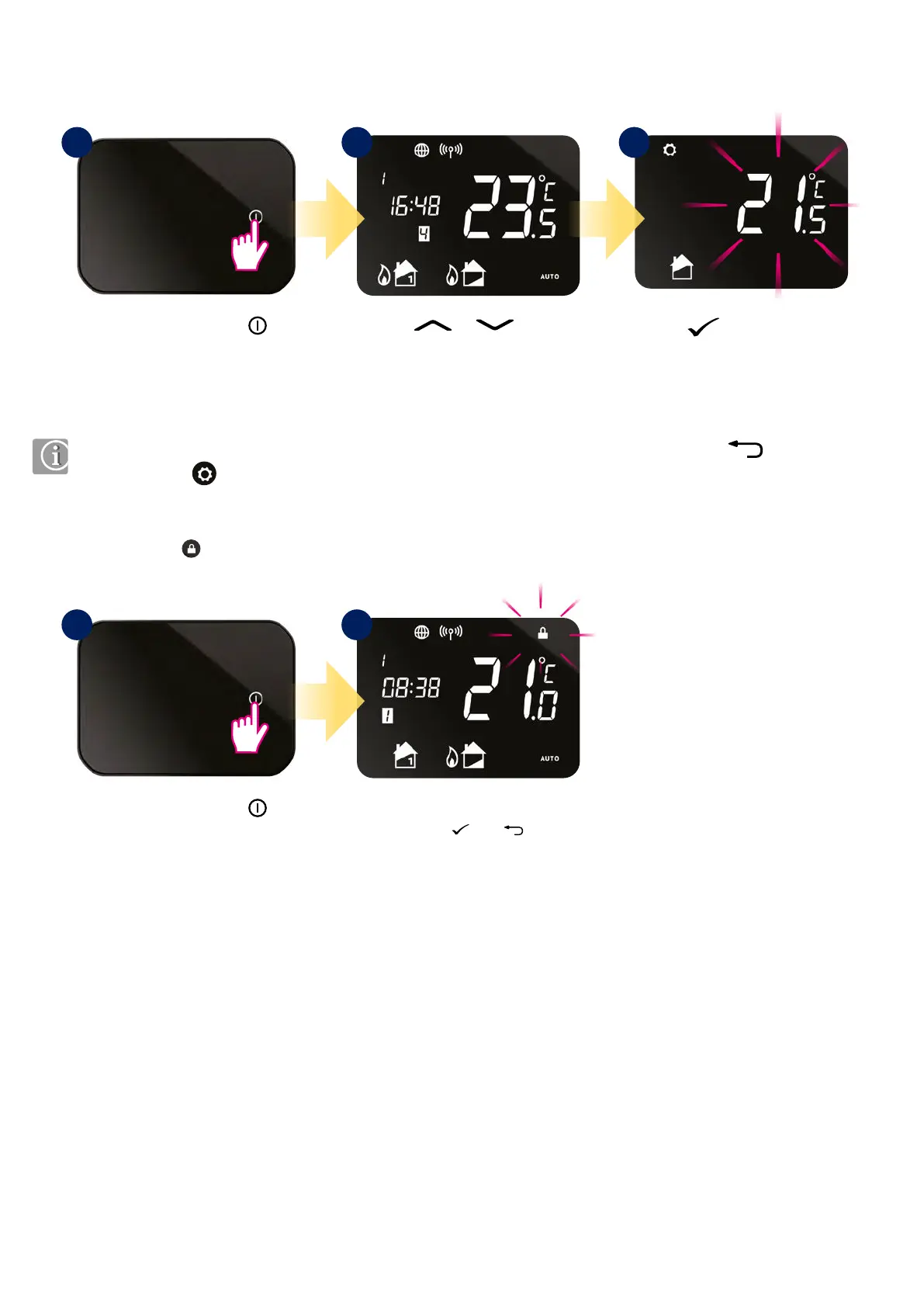
8.4 Temporary override mode
8.5 Key lock function
Press button to conrm.
Press or button
to change temperature.
Press the power button
to highlight the display.
1 2 3
When thermostat is running schedule mode we can temporarily override it by setting new setpoint temperature.
Temperature will be overridden until the next program change. You can cancel temporary override by holding
button for 3 seconds.
Setting indicator should disappear.
To enable or disable lock function
press and hold and buttons
together.
Press the power button
to highlight the display.
1 2



 To Next Page