30
Operating Instructions ER-180U
Paid Out Operations
You can use the paid out function PO to track cash or checks paid out or to record loans
from the cash drawer.
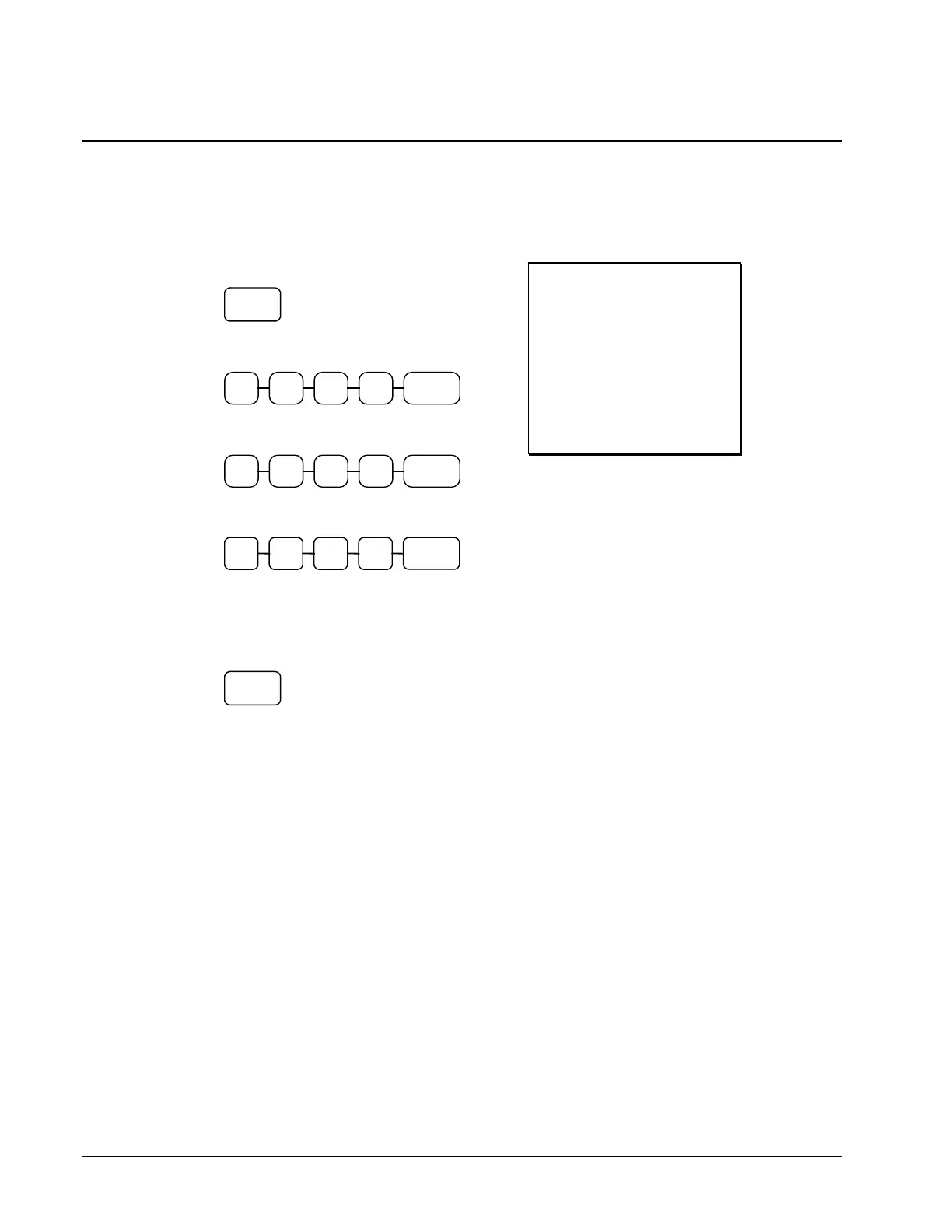
1. Press the paid out keys
2. Enter the amount of cash paid out, press
CASH.
3. Enter the check amount paid out, and
press CHECK.
4. Enter the charge amount received, press
CHARGE
5. You can continue to itemize paid outs, or
you can finalize by pressing or selecting
the same paid out key.
THANK-YOU
CALL AGAIN
25/05/2015 MON 09:23
PO
CASH -10.00
CHECK -10.00
CHARGE -10.00
PO -30.00
CLERK 1 000011 00001



 To Next Page