ER-180U Management Reports
39
Management Reports
X & Z Reports
System reports are divided into two basic categories:
•
X reports, which read totals without resetting
•
Z reports, which read totals and reset them to zero
Running a Report - General Instructions
1. Refer to the “Report Table“.
2. Select a report type and the report mode.
3. Move to the mode position indicated.
4. Enter the key sequence for the report you have selected.
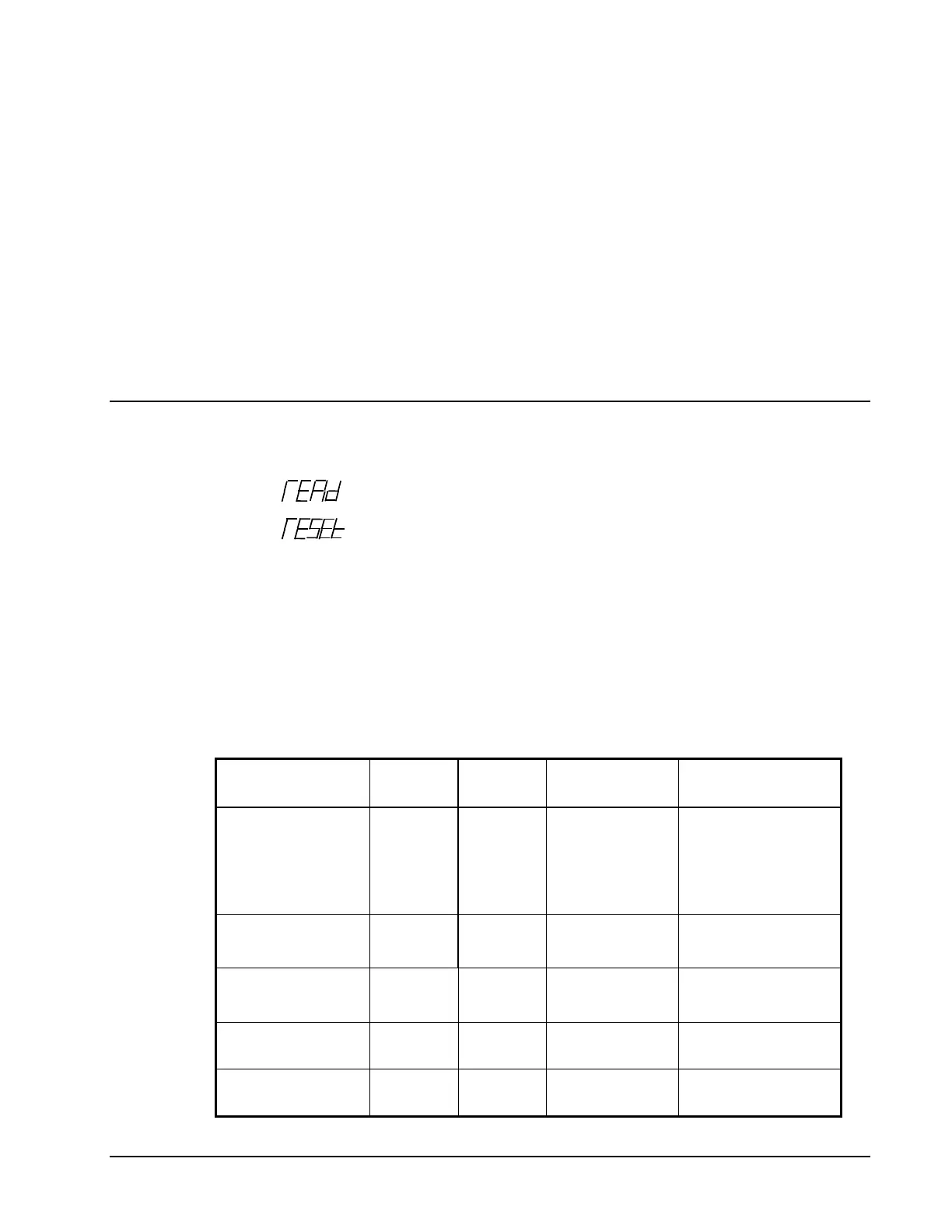
Report Table
Report Type
Report
Number
Report
Mode
Mode
Position
Key Sequence
Financial/Dept
1
X X – READ 1 – SBTL
Z Z – RESET 1 – SBTL
X2 X – READ 201 – SBTL
Z2 Z – RESET 201 – SBTL
All PLU
2
X X – READ 2 – SBTL
Z Z – RESET 2 – SBTL
All Clerk
3
X X – READ 3 – SBTL
Z Z – RESET 3 – SBTL
Print Electronic
Journal
300 X X – READ 300 - SBTL
Reset Electronic
Journal
399 Z Z – RESET 399- SBTL


 To Next Page