36
Operating Instructions ER-180U
Split Tender
Split tendering is paying for one transaction by more than one payment method. For
example, a $20.00 sale could be split so $10.00 is paid in cash, and the remaining $10.00 is
paid by a check. If necessary, you can make several different payments.
1. Register the items you wish to sell.
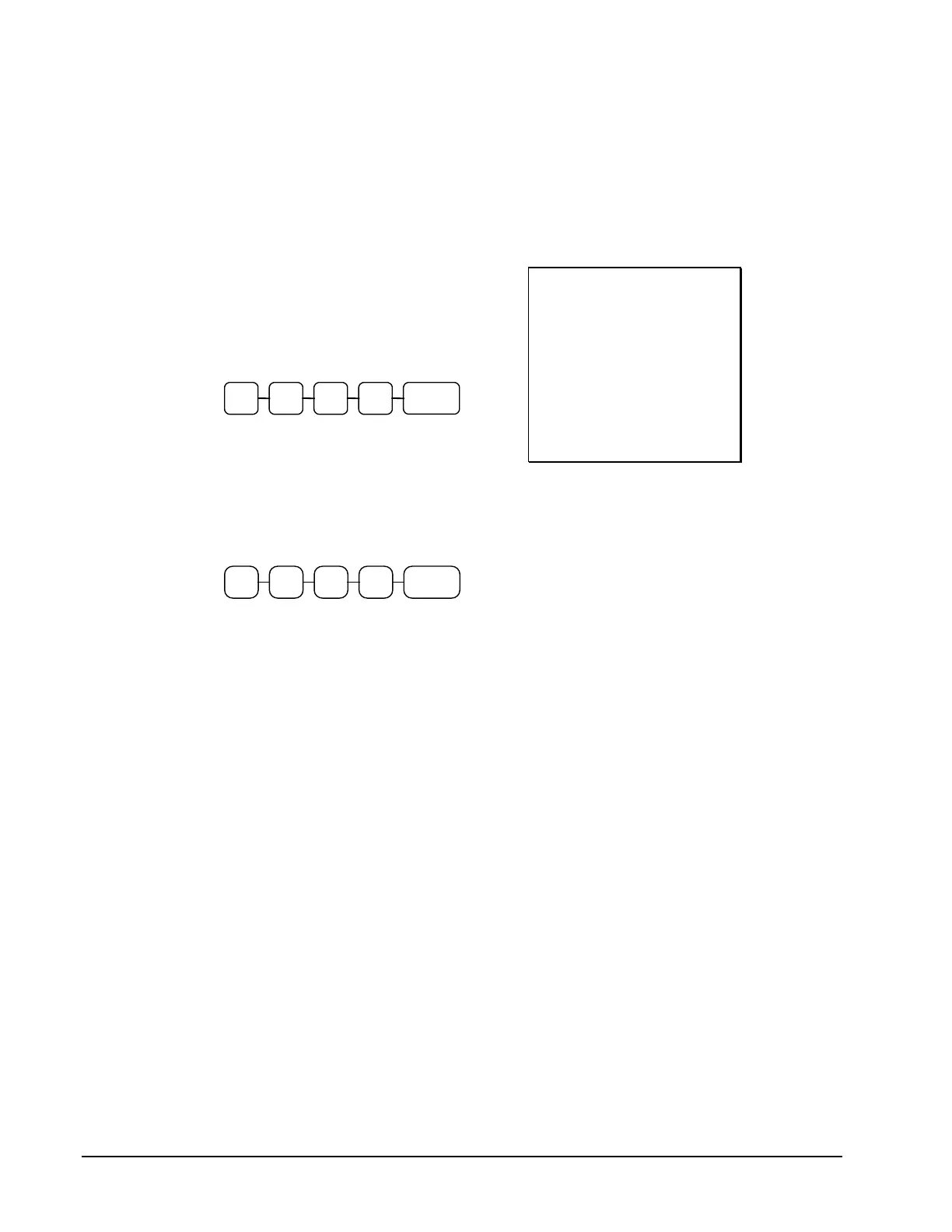
2. Enter the amount of cash tendered by the
customer. For example, enter $10.00 and
press CASH:
3. The display will indicate the $10.00 cash
tender and the $10.00 total still due.
4. Enter the amount of check tendered by
the customer. For example, enter
$10.00 and press CHECK:
5. When the total tendered equals or
exceeds the total due, the receipt will
print and the transaction is complete.
THANK-YOU
CALL AGAIN
25/05/2015 MON 09:23
PLU2 $20 00
TOTAL $20.00
CASH $10.00
TOTAL $10.00
CHECK $10.00
CLERK 1 000011 00001



 To Next Page