62
Program Mode Programming ER-180U
Program 350 - PLU Link Programming
When a PLU is registered, the amount of the PLU is “linked” or reported to a department.
The sale amount of the PLU will be reported in for the appropriate PLU in the PLU report
and also in the department it is linked to.
Note: If a PLU is not linked to a Department, it’s sales will by default link to
Department #1.
1. Move to the PGM-Mode.
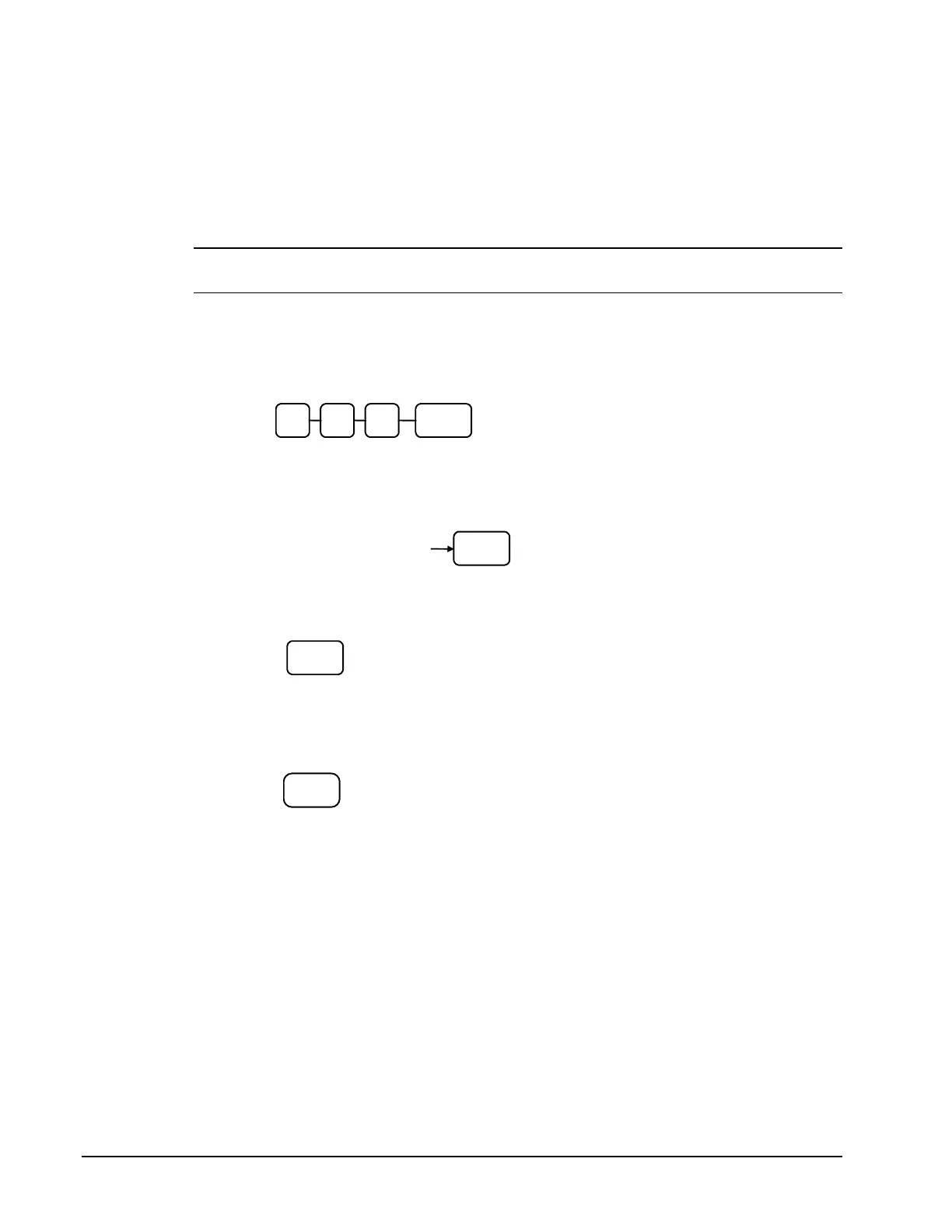
2. To begin the program, enter 3 5 0, press the SBTL key.
3. Select the PLU you wish to program in one of the following ways:
• Enter up to 500 of the PLU and press the PLU key
Enter the PLU#,
up to 500
4. Press a DEPARTMENT key on the keyboard you wish the PLU linked to
5. To program additional PLUs, repeat from step 3, or press the CASH key to
finalize the program.



 To Next Page