ER-180U Program Mode Programming
53
Department Programming
Program 500 - DEPARTMENT Status Programming
1. Move to the PGM-Mode.
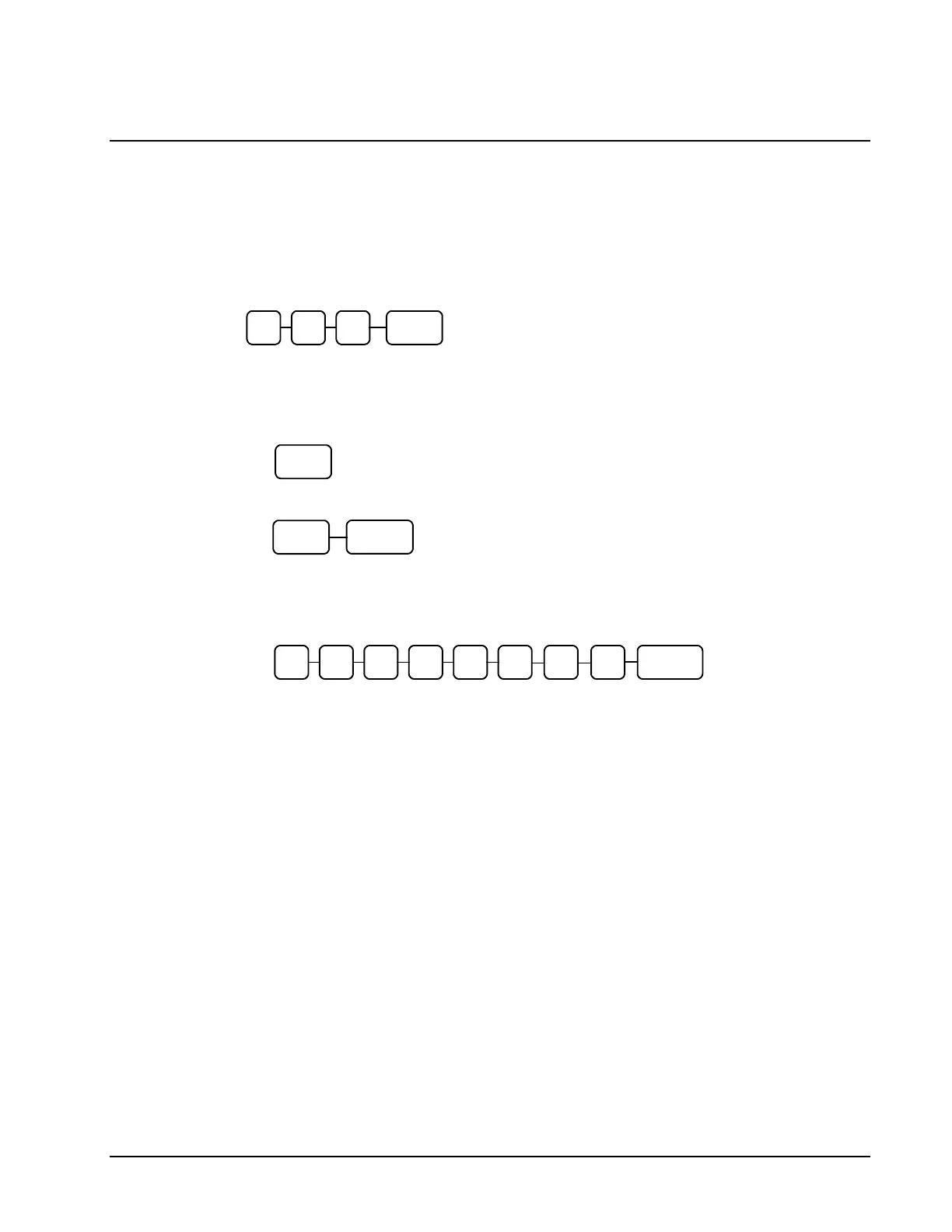
2. To begin the program, enter 5 0 0, press the SBTL key.
3. Select the DEPARTMENT or DEPARTMENTs you wish to program in one of the
following ways:
• Press a DEPARTMENT key on the keyboard, or
• For programming from DEPT1 to DEPT16 with same status, press as below..
4. Refer to the "DEPARTMENT Status Chart" to determine the values for N1 through N8.
Enter the values you have selected, press the X/TIME key. (You do not need to enter
preceding zeros.)
5. To program additional DEPARTMENTs, repeat from step 3, or press the CASH key to
finalize the program.



 To Next Page