3. Installation and Operation
3-4 SAM4S ER-350 SERIES
3-2 Receipt Paper Insertion
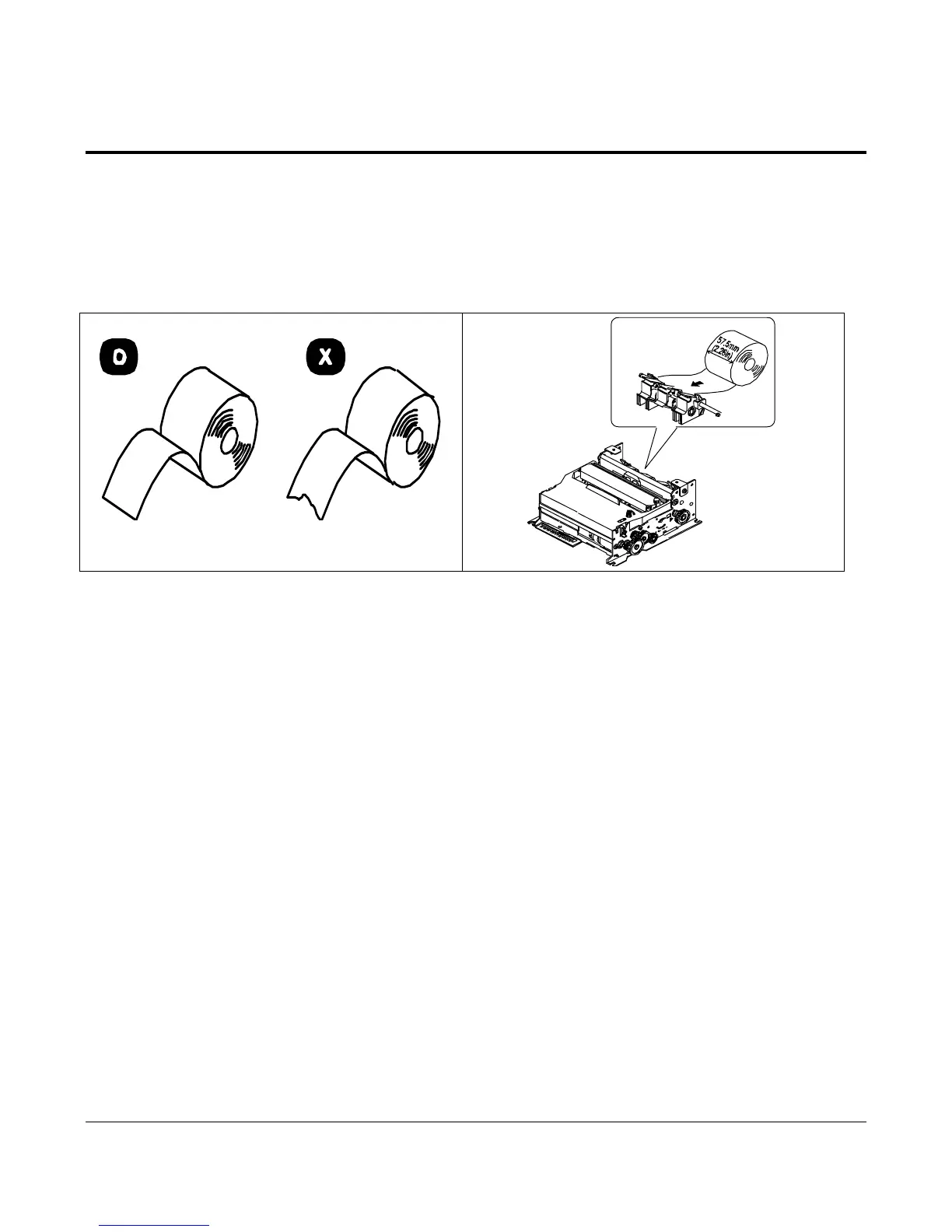
1. Using a new roll of paper, unroll the paper and cut the end as shown in Figure 3-7.
2. Place rolled paper in the Holder. Insert the folded paper into the paper Slot and through the Paper Sensor.
3. Press the Feed key until the paper comes out from the Printer. If you get an E8 error message on the display,
check the paper sensor and press the C key.
4. Insert the paper in the notch in the Rewind Spindle as shown in Figure 3-8. Wind the Spindle three or
four times to secure the paper on it.
5. If the paper is loose, wind the Rewind Spindle to tighten the paper
Figure 3-7. Preparing Paper for Insertion Figure 3-8. Inserting the Paper



 To Next Page