8
If you allow playback to continue past the end of Demo Song 1,Demo Song 2
(Bright Piano) will begin to play, and after that, each of the remaining demos will
continue to play in sequence until you press the Song button. If the Song button is
not pressed to stop demo playback, after the end of the eighth demo, demo playback
will continue from the beginning of Demo Song 1 until the Song button is pressed.
Stop Playing
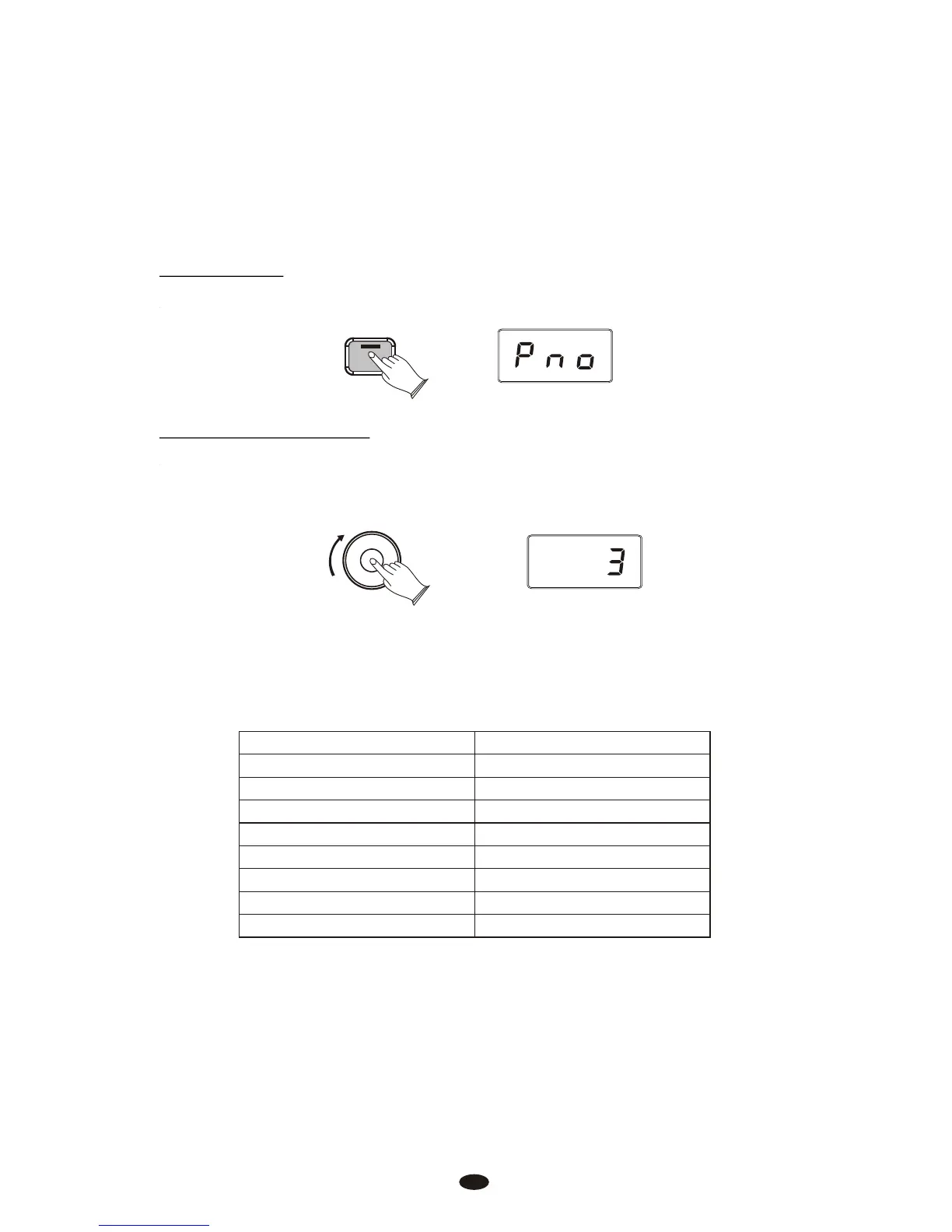
Press [Song] button again to stop playing.
Press the [Song] button to begin playback of the selected Demo song.
The following table shows the Demo Song numbers along with which voice is
used for each Demo Song:
Demo Song Number Voice Used
1
2
3
4
5
6
7
8
Grand Piano
Bright Piano
Vintage Electric Piano
FM Electric Piano 2
Church Organ
Harpsichord
Strings
Upright Bass
Song
Data Control
[Assignable]
Select the Demo Song
Turn the [Data Control] knob to the right until you see the desired Demo Song
number appear in the LED display.



 To Next Page