SUSTAIN
5
Basic Operation
Switching on Power
Adjusting Volume & Start Playing
With the DCP-8 fully assembled and plugged in to a power outlet, its time
explore your piano in more detail. Start by pressing the POWER switch on the
far right hand side of the keyboard, to turn on the power . The panel LED display
will light and display the default sound.
The speaker system in the DCP-8 is very powerful and can be overpowering
in some rooms. Adjust the [MASTER VOLUME] control to a 12 o'clock position
as a safe starting point. You can adjust the volume at any time even while you
are playing .
Now play the keyboard. You should hear the rich tone of the default Grand Piano
sound.
ON/OFF
MASTER VOLUME
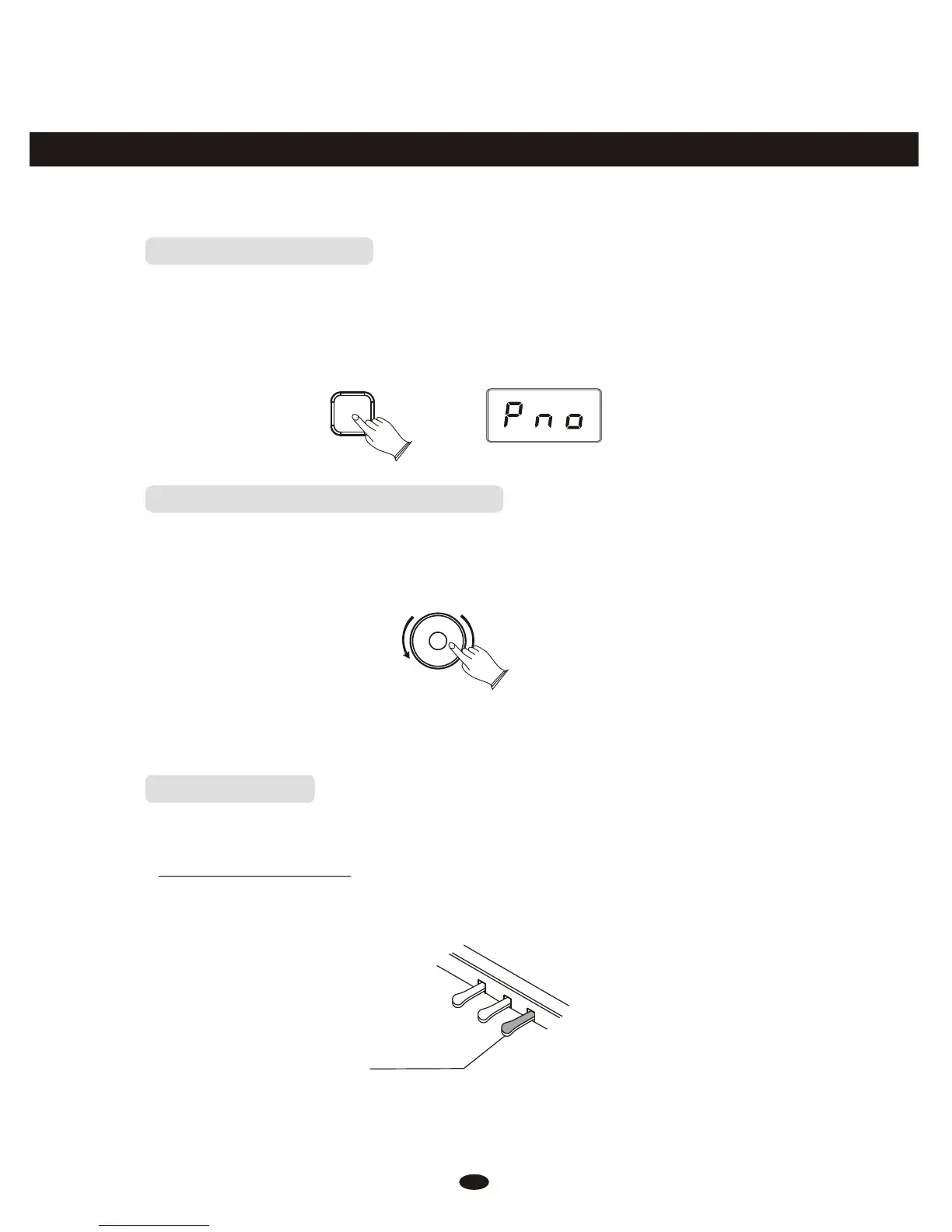
Piano Pedals
Just like a regular grand piano, your DCP-8 feature 3 foot pedals:
Damper Pedal (Right)
The damper pedal performs the same function as the damper pedal on an actual
acoustic piano, letting you sustain the sound of the voices even after releasing
your fingers from the keys.



 To Next Page