Use the Data Control knob to select the desired Octave.
Turning the Data Control knob clockwise will raise the keyboard’s pitch in octave
increments, and turning it counter-clockwise will lower it in octave increments.
The display will show a positive, negative, or zero value.
Data Control
[Assignable]
NOTE
To reassign the Data Control knob for Voice Selection, press the
Voice / Function button and then press the Eb2 key. (This procedure
is illustrated at the beginning of the Edit Mode section.)
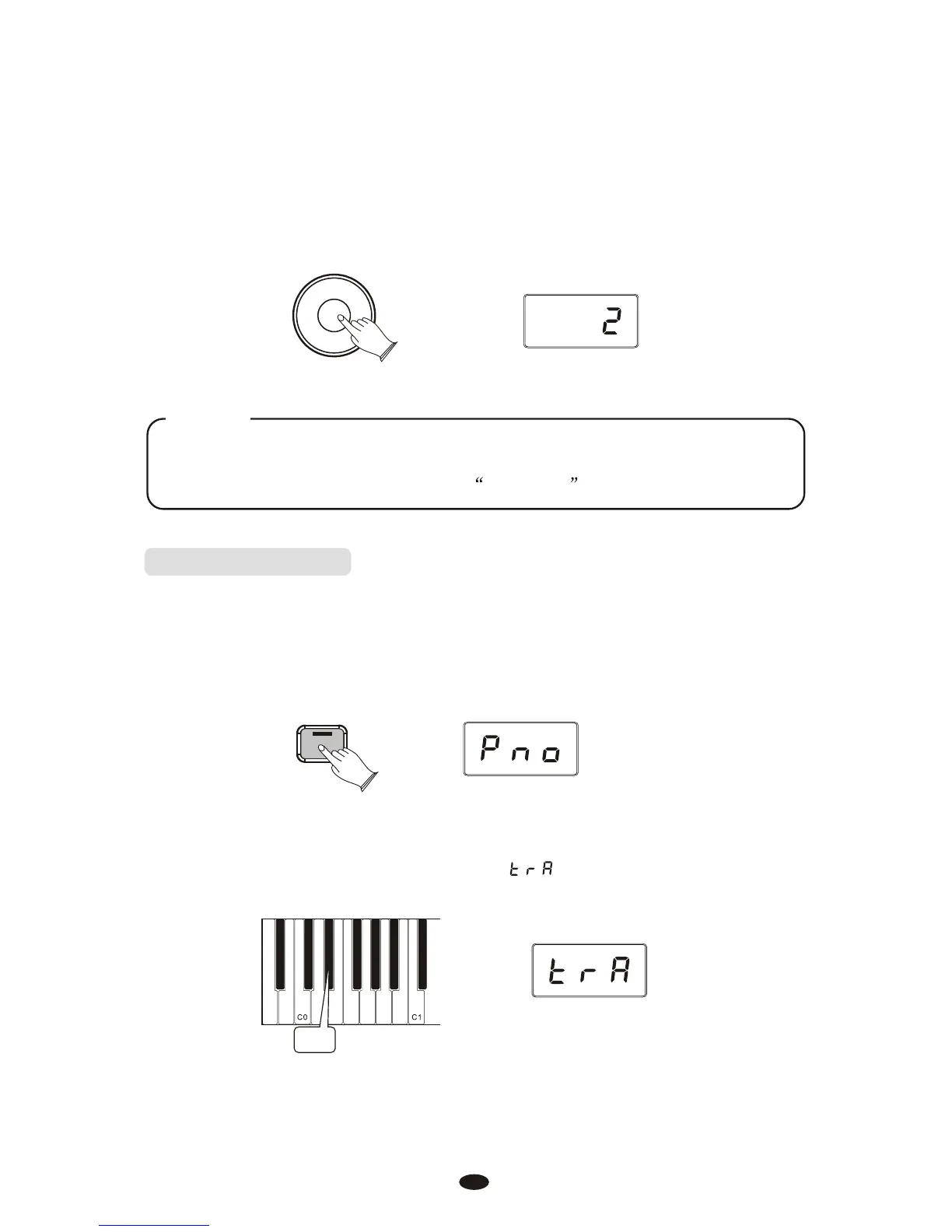
Transpose(Eb0)
Pressing this key will set the Data Control knob to increase or decrease the
keyboard’s transpose value.
Press the [Voice/Function] button to enter Edit Mode.
Press the Transpose key (Eb0).
The LED display will momentarily show:
Ebo
Voice / -
Function
20



 To Next Page