To Turn Off Layer Mode:
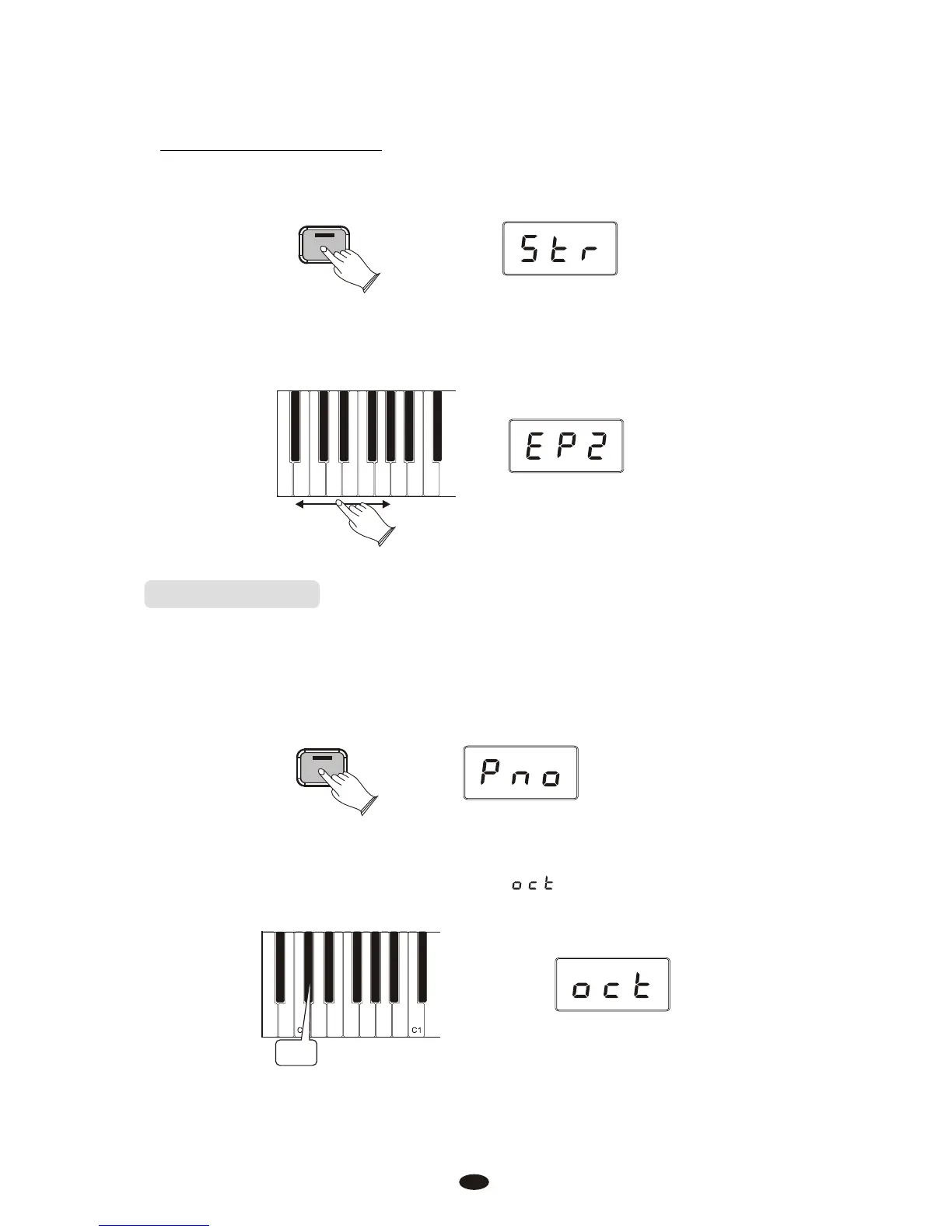
Press the [Voice/Function] button to enter Edit Mode.
Voice / -
Function
Select a single Voice by pressing a single Voice Select Key.
A-1 A-0
Upright Bass
Strings
Harpsichord
Church Organ
Bright Piano
Grand Piano
FM Electric Piano 2
Vintage Electric Piano 1
Octave(C#0)
Pressing this key will set the Data Control knob to increase or decrease the
keyboard’s octave setting.
Press the [Voice/Function] button to enter Edit Mode.
Press the Octave Key (C#0).
The LED display will momentarily show:
C#0
Voice / -
Function
19



 To Next Page