Factory Reset
Performing a Factory Reset will clear all battery backed memory and restore all
functions to their factory defaults, just like they were when you used this piano for
the first time.
Please note that anything you have recorded in the Song Recorder will be erased
by this procedure!
1. Turn the Power Off.
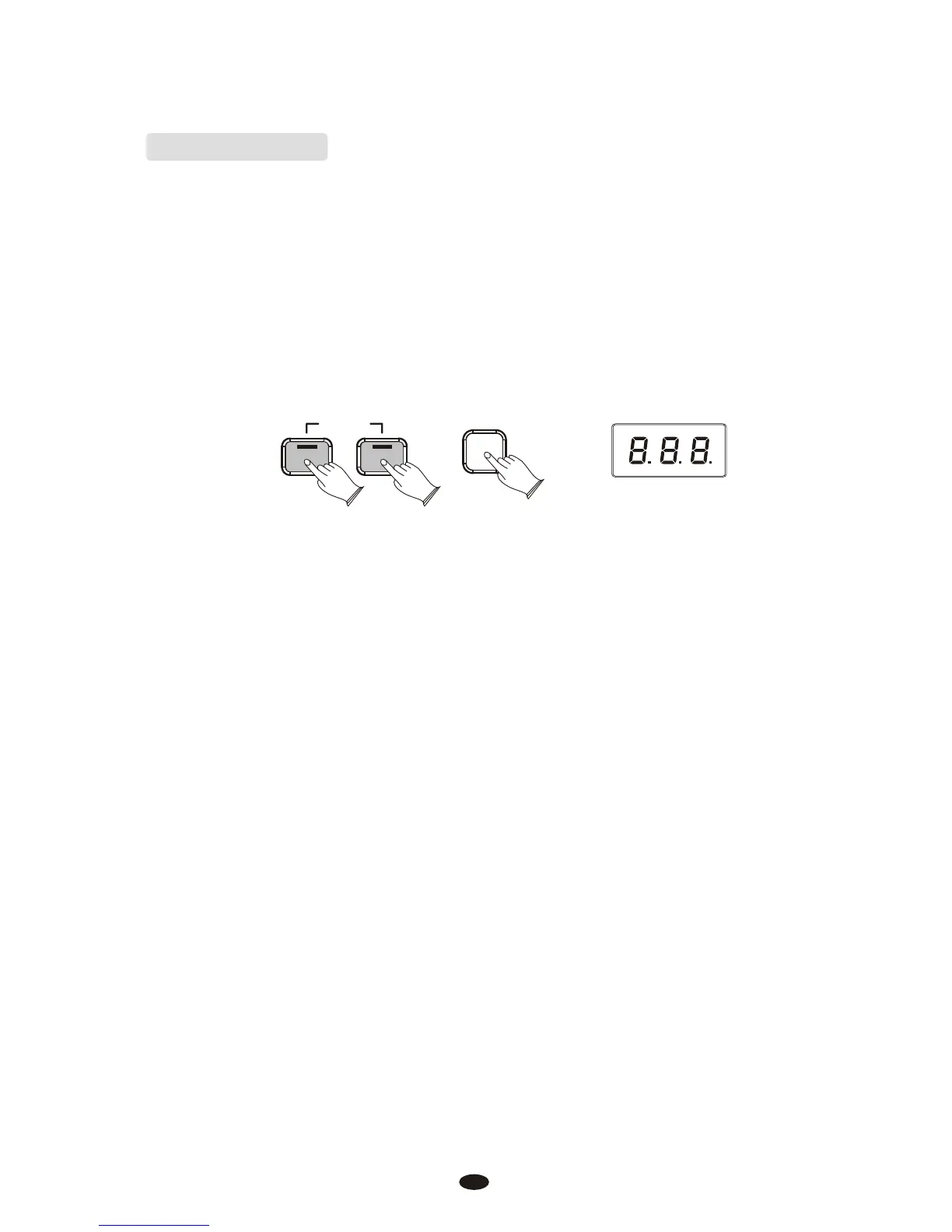
2.Hold down the [Reverb] and [Voice/Function] buttons while powering on the piano.
ON/OFF
PIANO
RESET
Reverb
Voice / -
Function
The LED Display will light ALL segments, and all LEDs on the device will light
while these buttons are held down. Once this has happened, you can release the
Reverb and Voice/Function buttons.
When the Reverb and Voice/Function buttons are released, this piano will return to
Performance Mode (ready-to-play). All button LEDs will return to their default states.
The LED Display will show the version number of the firmware(thepiano's internal
operating software) for 2 seconds and then return to showing the Voice Name
(Grand Piano - Pno).
The DCP-8 will be back to its default state as if powered on for the first time.
55



 To Next Page