Song Recording
The Song Recorder built into the piano can record two individual tracks, allowing
you to record one part and then record a second complementary part while the
first part is played back.
To Record a Track
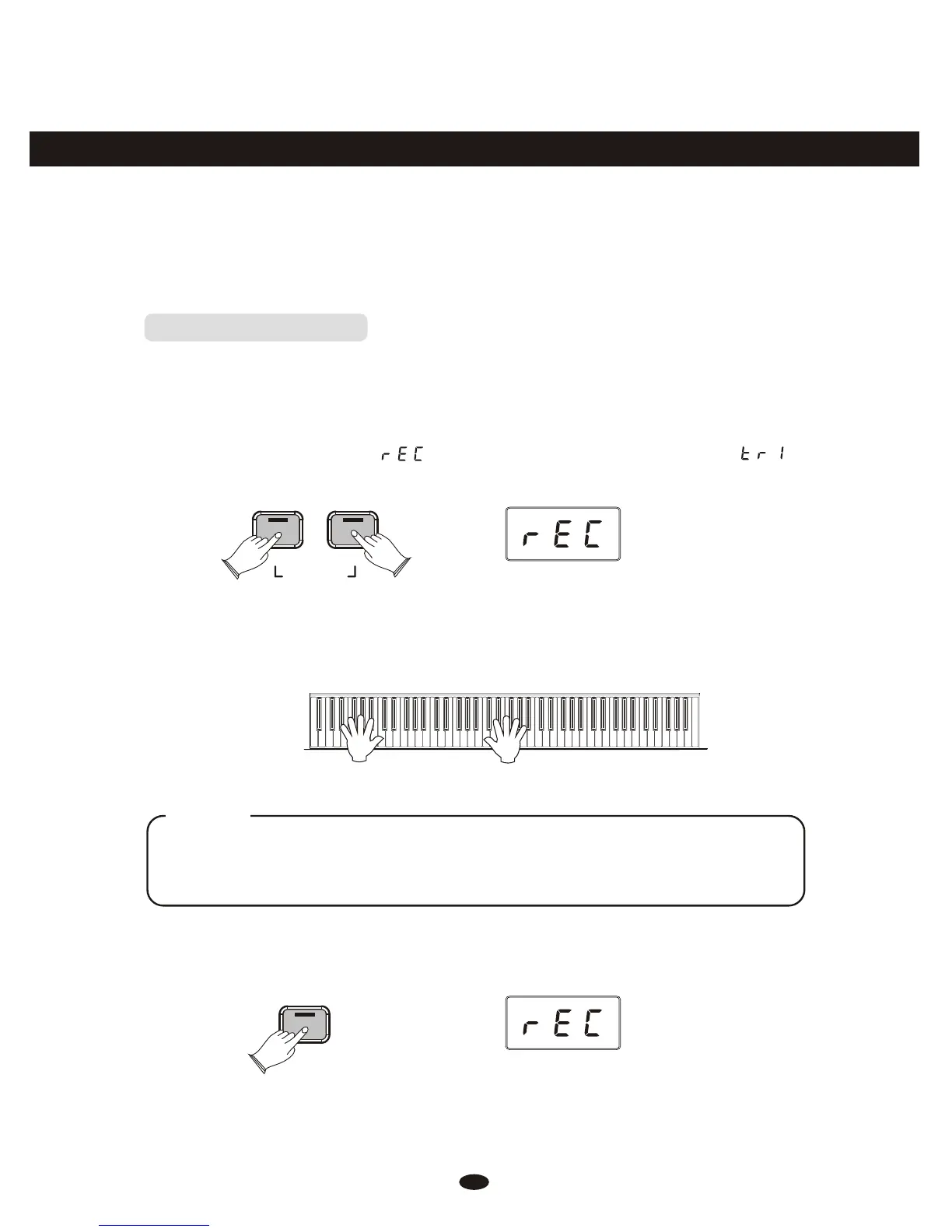
Press the [Song] button and the [Metronome] button simultaneously to enter
Record Wait Mode. The Song button’s LED will light, and the Metronome will
begin playing at the currently selected tempo.
The LED display will show: for one second, after which it will show:
Song
Metronome
RECORD
This piano is now in Record Wait Mode. To start recording, begin playing the
keyboard. Recording starts automatically as soon as you start playing.
NOTE
When Record Wait Mode is active, you can also start recording by pressing the
Song button. In that case, the Song Recorder will record silence until you start
playing the keyboard.
To end recording, press the [Song] button.
Song
27



 To Next Page