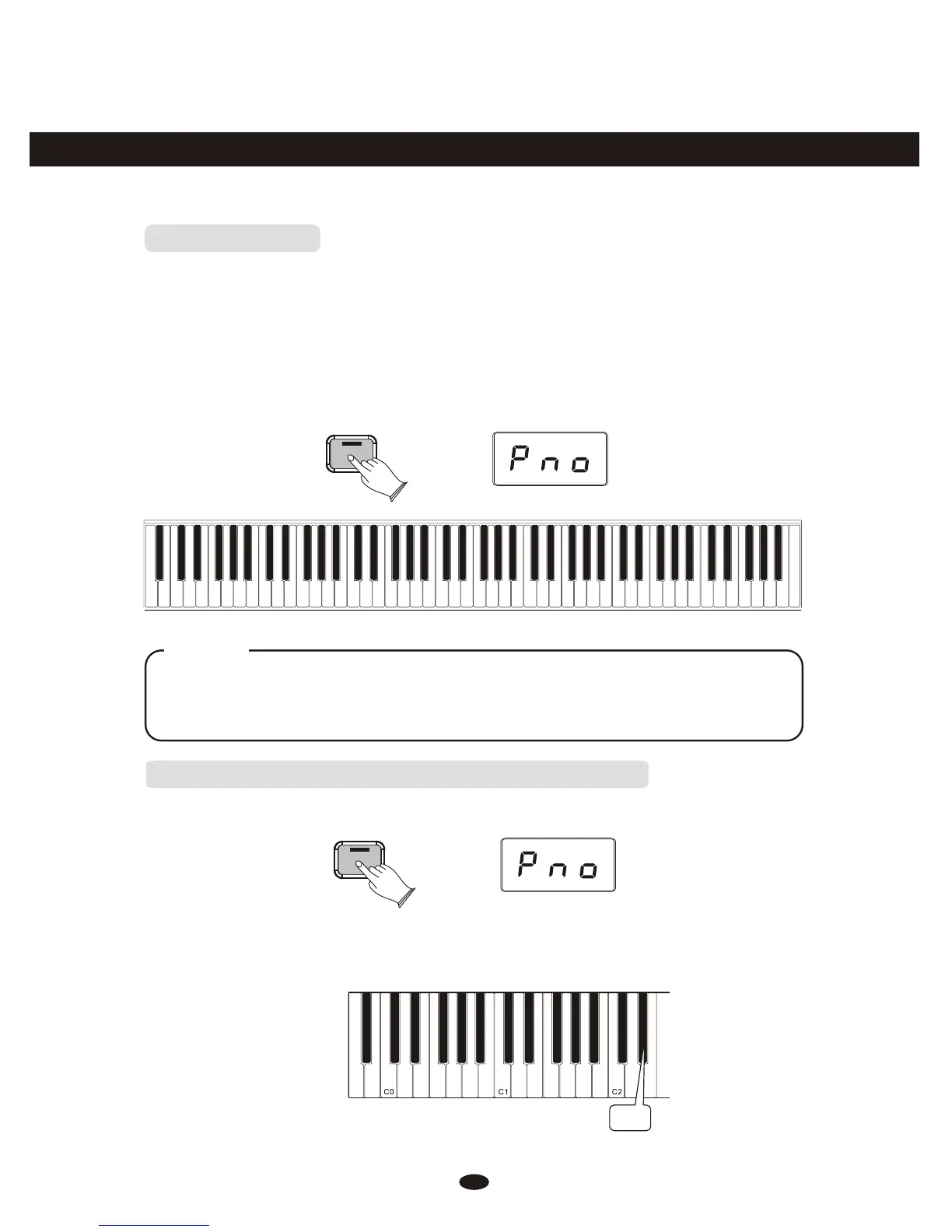
Resetting the Data Control Knob to Voice Select
Press the [Voice/Function] button. It will light up.
Press the key Eb2. The LED will momentarily display SEL, and will then display
the currently selected sound. Now you can use the Data Control knob to select
sounds as before.
Eb2
Voice / -
Function
Voice/Function
Function Mode
In Function Mode, the keys on the piano keyboard do not make any sound. Instead,
the keys are used for selecting and editing advanced functions. In most cases, an edit
function is selected using the keyboard, and the Data Control knob is used to increase
or decrease the value of the selected editing parameter. To enter Edit Mode, press
the Voice/Function button.
Touch=High
Touch=Normal
Touch=Low
Local On/Off
Data=Tuning
Data=Voice Sel
Data=channel
Data=Bank MSB
Data=Bank LSB
Data=Program
Data=Time Sig
Data=Metro Vol
Data=Split Vol
Data=Voice Vol
Data=Transpose
Data=Octave
Split Mode
Touch=Fixed
Data=Layer Vol
Cancel
Panic
Data Contr Assign
Bank MSB
Bank LSB
Program
Default
9
8
7
6
5
4
3
2
1
0
Enter
C0 C1 C2 C3 C4 C5 C6 C7
Upright Bass
Strings
Harpsichord
Church Organ
Bright Piano
Grand Piano
FM Electric Piano 2
Vintage Electric Piano 1
11
NOTE
Regardless of how the Data Control knob is assigned, it's possible to change voices
by pressing and holding down the Voice/Function button while selecting a voice
using the Data Control knob.
Voice / -
Function



 To Next Page