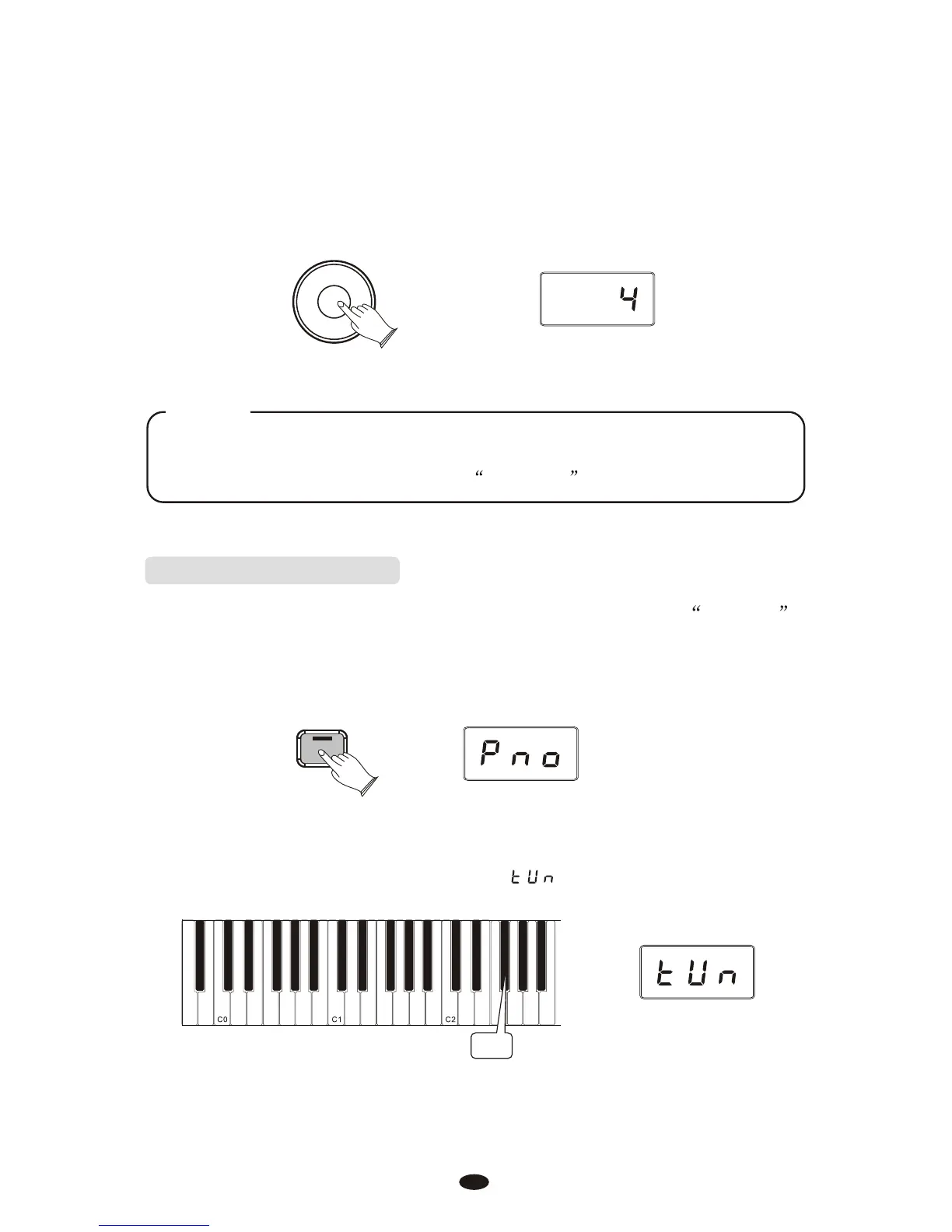
Use the Data Control knob to select the desired Transpose Value.
Turning the Data Control knob clockwise will raise the keyboard’s pitch in
semitone increments, and turning it counter-clockwise will lower it in semitone
increments. The display will show a positive, negative, or zero value.
Data Control
[Assignable]
NOTE
To reassign the Data Control knob for Voice Selection, press the
Voice / Function button and then press the Eb2 key. (This procedure
is illustrated at the beginning of the Edit Mode section.)
Master Tuning(F#2)
Pressing this key will set the Data Control knob to raise or lower ( fine-tune )
the Master Tune setting of the piano.
Press the [Voice/Function] button to enter Edit Mode.
Press the Master Tuning key (F#2).
The LED display will momentarily show:
F#2
Voice / -
Function
21



 To Next Page