32
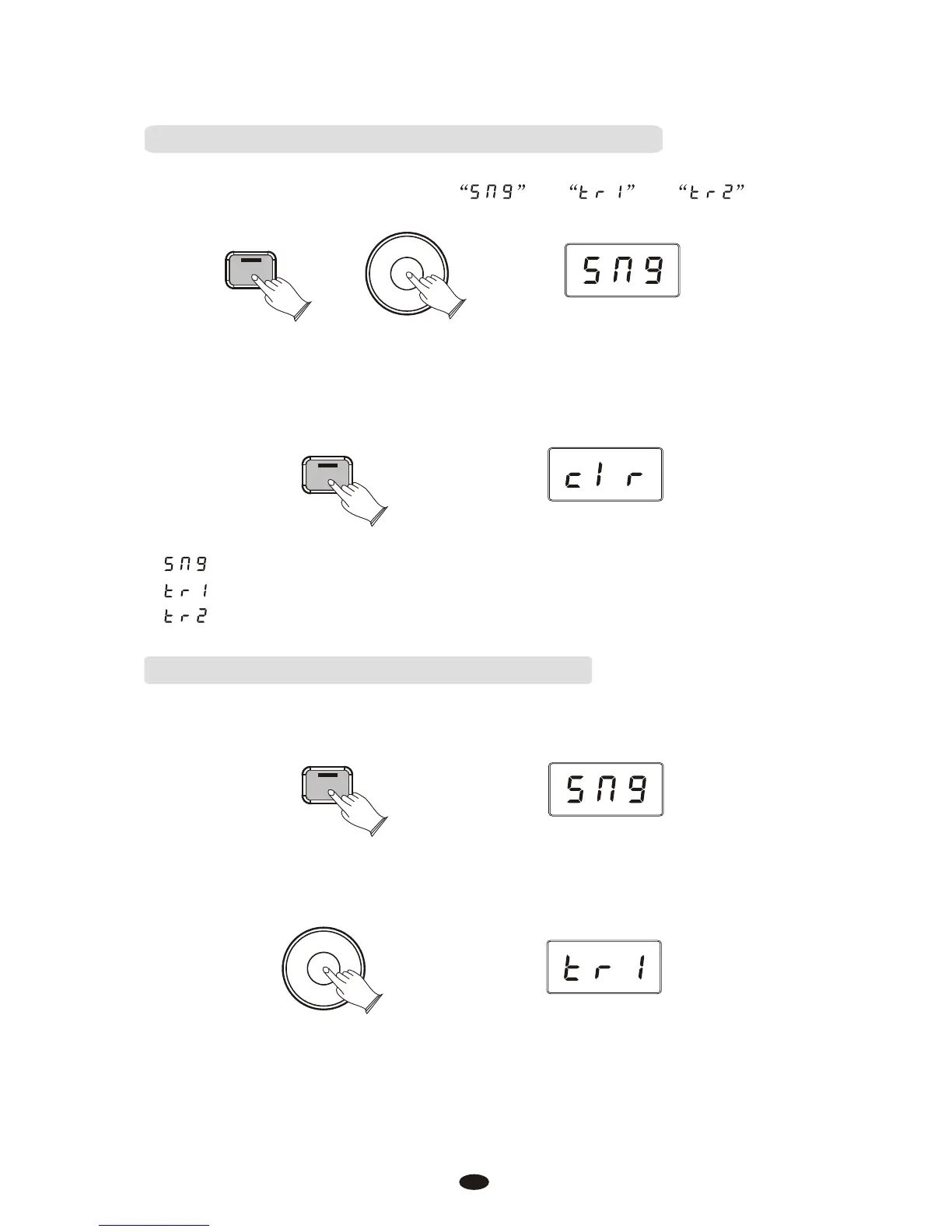
Press the [Song] button.
Turn the Data Control knob to select or or .
Erasing Recorded Data While in Playback Mode:
:Erase both of the Song Recorder tracks simultaneously.
:Erase Song Recorder Track1.
:Erase Song Recorder Track2.
After you selected the correct song or track, double click the [Song] button. You
will see "clr" in the display which means the data has been deleted.
Song
Data Control
[Assignable]
Song
Playing Back Your Song Recorder Tracks:
Press the [Song] button to enter Song Play Mode.
Song
Use the [Data Control] knob to select one of the following:
Data Control
[Assignable]



 To Next Page