30
Turning Off the Metronome While Recording:
Press the [Metronome] button, and the metronome will stop while recording continues.
Pressing the [Metronome] button again will turn the metronome on again.
Metronome
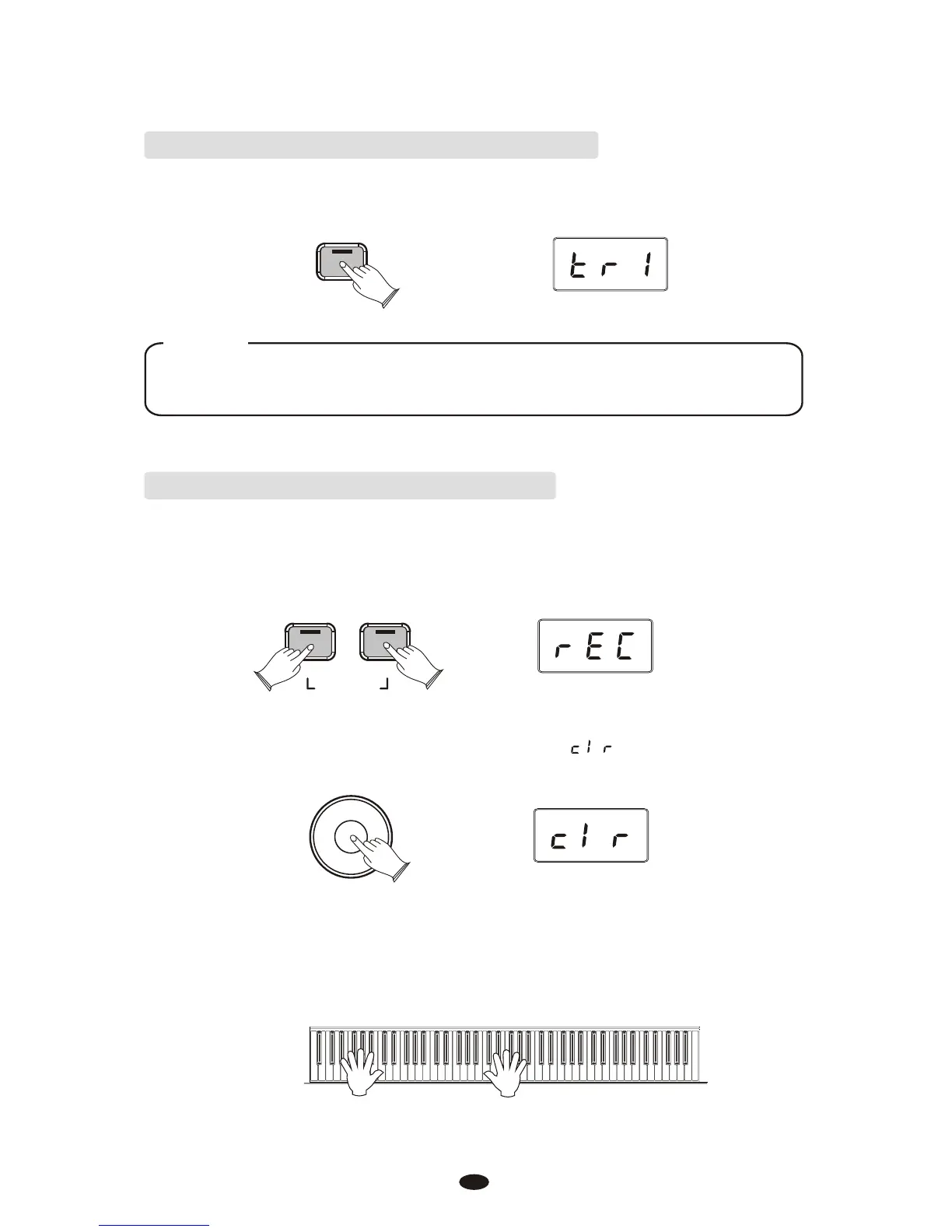
Deleting all Data in the Song Recorder:
Press the [Song] button and the [Metronome] button at the same time to enter Song
Recording Mode. This will start the Metronome and place the Song Recorder in
Record Wait.
Song
Metronome
RECORD
Turn the Data Control knob until the LED displays
Data Control
[Assignable]
Begin playing the keyboard. All previously recorded data on Tracks 1 and 2 will
be cleared, and the notes you are now playing will be recorded on Track 1.
NOTE
That the metronome can also be turned on and off in the same way while in
Record Wait Mode, before recording commences.



 To Next Page