26
C1C0
Eb1
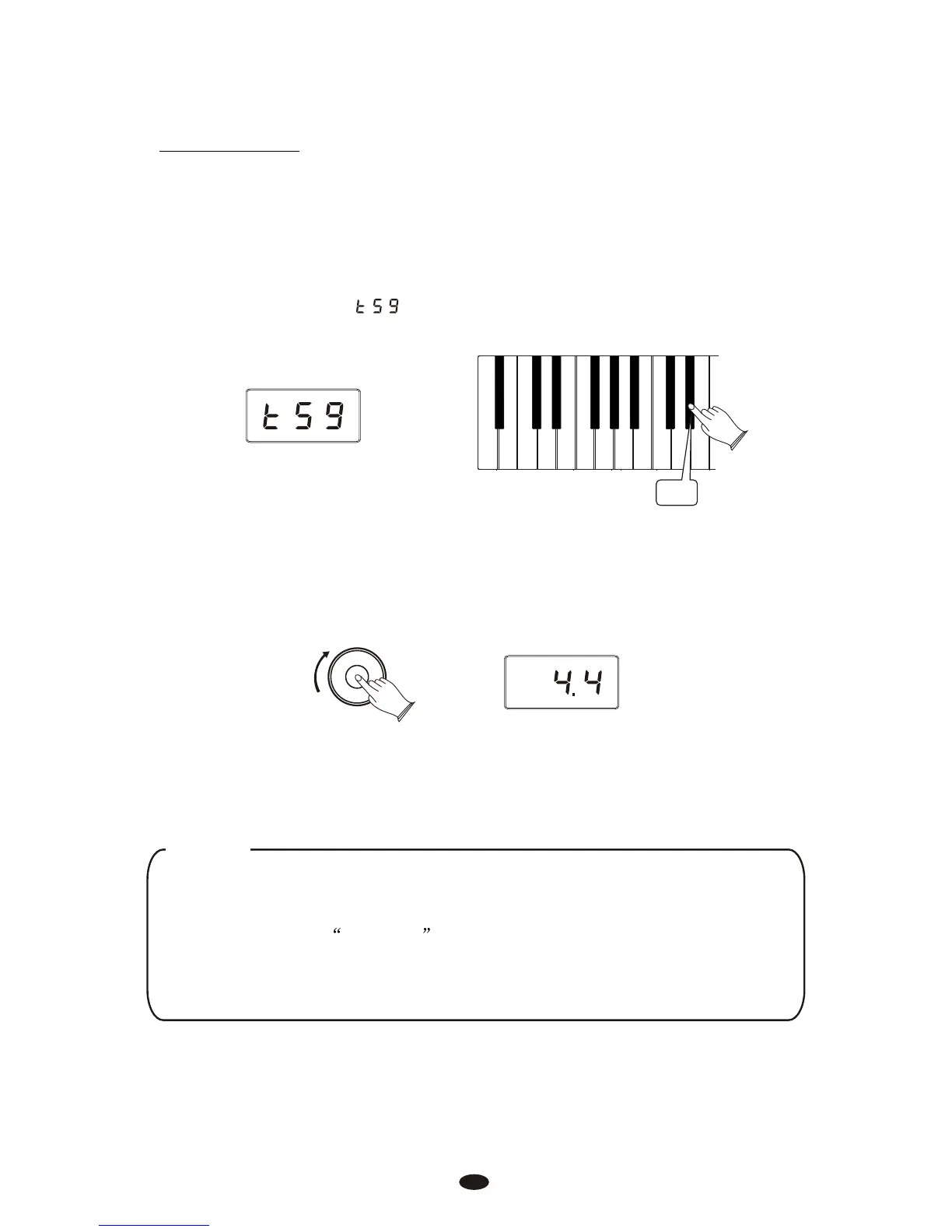
Turn the Data Control knob to step through the available time signatures.
The available time signatures will be shown on the LED display as they appear
below: 2.2,2.4,3.4,4.4,5.4,6.8,7.8,9.8,12.8
Data Control
[Assignable]
Please note that time signature and Tempo cannot be changed while recording
a song in Song Record Mode.
NOTE
Now the Data Control knob is assigned to control time signature instead of Voice
Selection. To reassign the Data Control knob for Voice Selection, press the
Voice / Function button and then press the Eb2 key. (This procedure is illustrated at
the beginning of the Edit Mode section.) Also, keep in mind that no matter how
the Data Controller knob is assigned, you can always select sounds (in Performance
Mode) by holding down the Voice /Function button while turning the Data Control
knob.
Chang the Metronome’s Time Signature
Press the Voice/Function button on the left hand panel.
The display will show:
Time Signature
The metronome can support the following time signatures: 2/2, 2/4, 3/4, 4/4,
5/4, 6/8, 7/8, 9/8, 12/8



 To Next Page