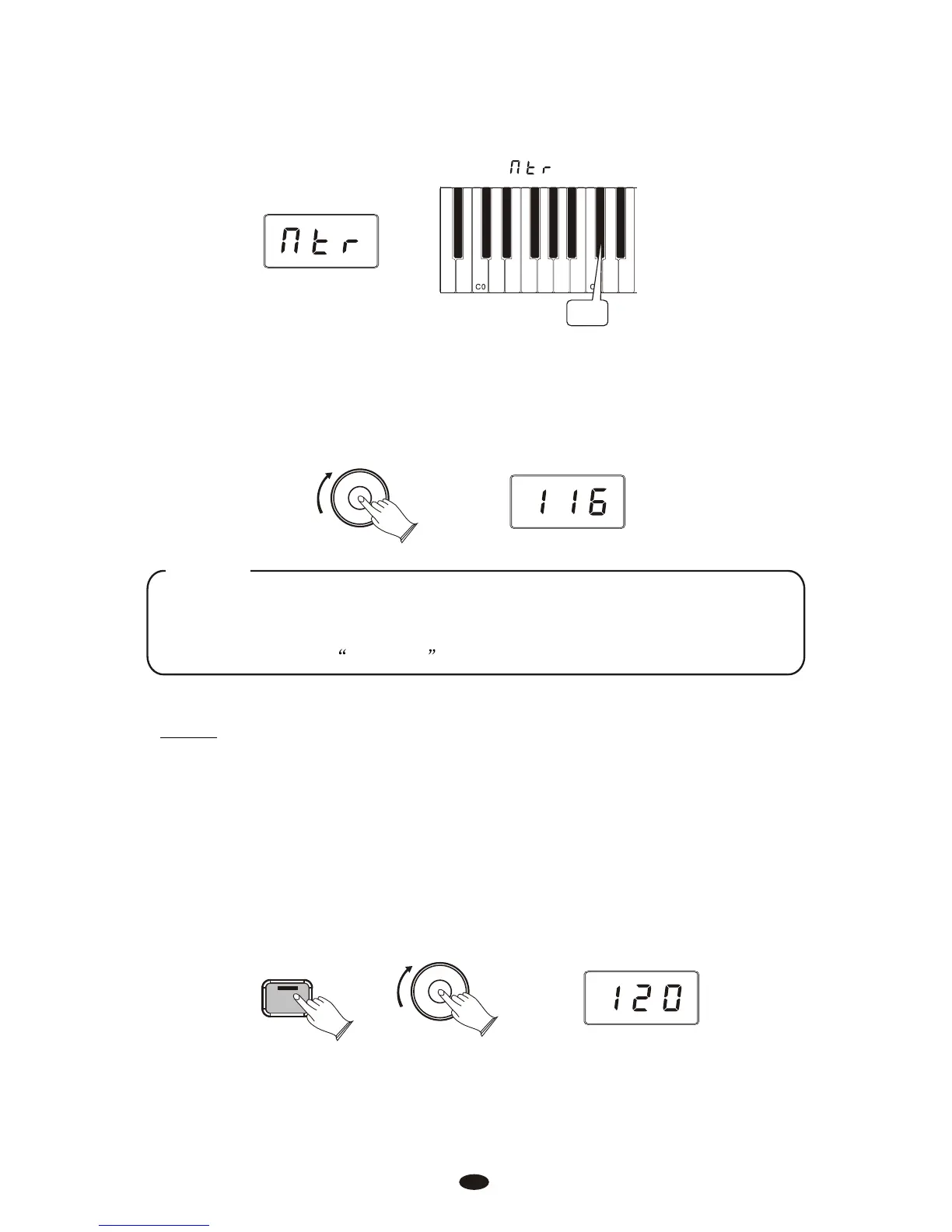
Press the Metronome Volume key (C#1) on the keyboard.
The LED display will momentarily show:
C#1
Turn the Data Control knob clockwise to increase the metronome volume, or
counter-clockwise to decrease the metronome volume.
The metronome volume level will be indicated as a value from 0-127 in the
LED display window.
Data Control
[Assignable]
Chang the Metronome’s Tempo
Press and hold the Metronome button . The LED display will show the current
tempo.
Turn the Data Control knob clockwise to increase tempo, or counter-clockwise
to decrease tempo.
Metronome
Data Control
[Assignable]
25
NOTE
Now the Data Control knob is assigned to controlling metronome volume instead of
Voice Selection. To reassign the Data Control knob for Voice Selection, press the
Voice / Function button and then press the Eb2 key. (This procedure is illustrated at
the beginning of the Edit Mode section.)
Tempo
The metronome can be programmed for any tempo between 20 beats per minute
(bpm) and 280 bpm.



 To Next Page