2.To assign the Data Control knob to send MIDI Program Changes:
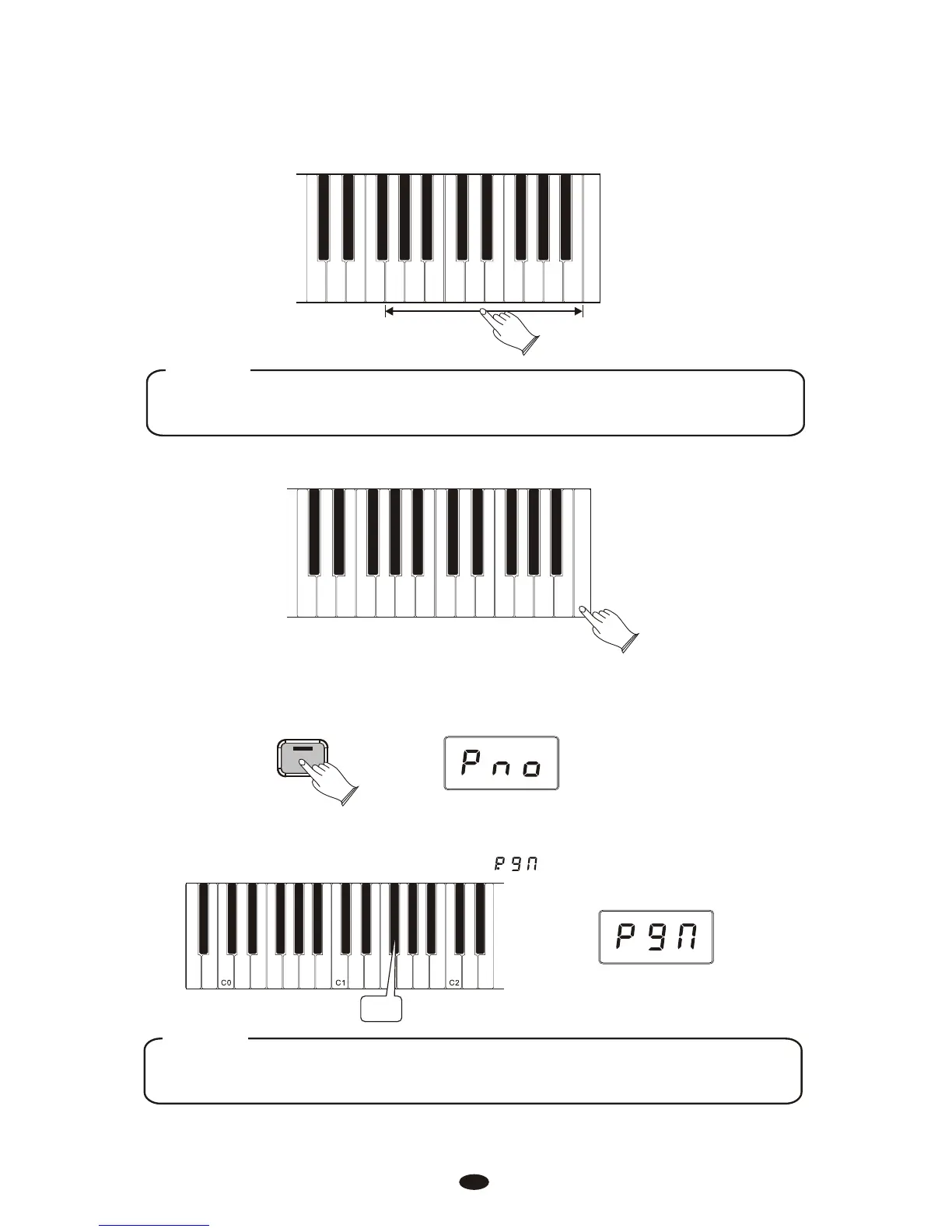
Press the [Voice/Function] button to enter Function Mode.
Voice / -
Function
Press the Enter Key (C7) to send the MIDI command.
Cancel
Panic
Data Contr Assign
Bank MSB
Bank LSB
Program
Default
9
8
7
6
5
4
3
2
1
0
Enter
Press the Program Number Data Control Key (F#1).
The LED display will momentarily show
40
Using the Numeric Data Entry keys, enter the MIDI Program Number you want
to send.
Cancel
Panic
Data Contr Assign
Bank MSB
Bank LSB
Program
Default
9
8
7
6
5
4
3
2
1
0
Enter
NOTE
As an alternative to using the Numeric Data Entry Keys, you could instead use
the Data Control knob to choose the MIDI Program Number in this step.
F#1
NOTE
That this is different than the Program Key (F#5) that you used to input a single
MIDI Program Number value.



 To Next Page