~
NOTE
•
What
is
a
valid
certificate?
When
tIle
player
uses
BO-L1VE
to
send
the
disc
data
and
a
request
to
the
server
to
certify
the
disc,
the
server
uses
the
transferred
data
to
check
if
the
disc
is
valid
and
sends
the
certificate
back
to
the
player.
•
The
Internet
connection
may
be
restricted
while
you
are
using
BO-L1VE
contents,
. Language
You
can
select the language
you
prefer for home
menu,
disc
menu,
etc.
• On-Screen Menu : Select the language for the
on-screen displays.
• Disc
Menu:
Select the language for the disc
menu
displays.
• Audio: Select the language for disc audio.
• Subtitle: Select the language for disc subtitles.
~
NOTE
•
The
selected
language
will
only
appear
if it
is
supported
on
the
disc.
Security
When
you
operate this
menu
for the
first
time,
password setup
screen
will
be
displayed.
Enter
the desired 4-digit password
using
the
number buttons.
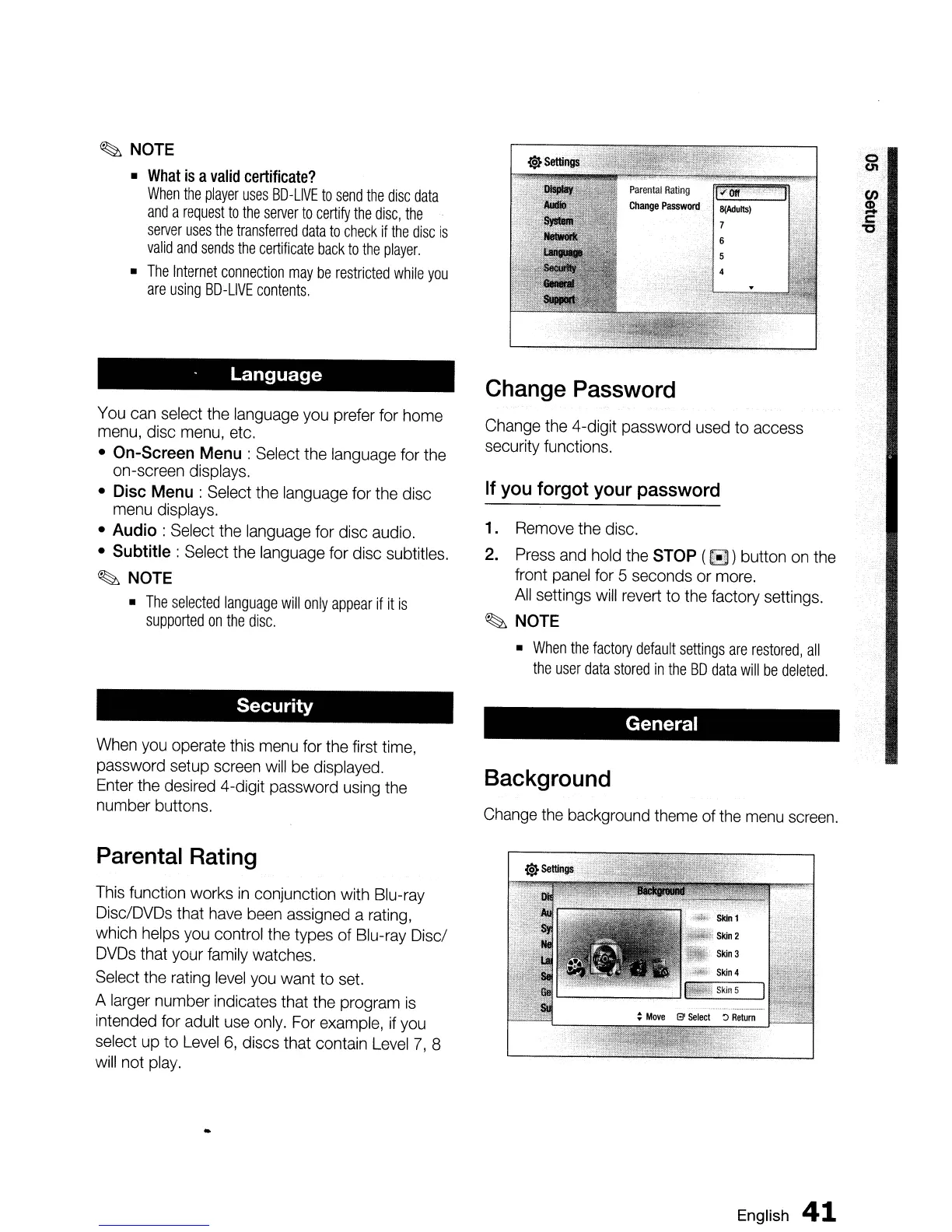
Parental Rating
This
function works
in
conjunction with Blu-ray
Disc/DVDs that
have
been
assigned a rating,
which helps
you
control the types of Blu-ray Disci
DVDs
that your
family
watches.
Select the
rating
level
you
want to
set.
A larger number indicates that the program
is
intended for adult
use
only.
For
example,
if
you
select
up
to
Level
6,
discs that contain
Level
7,
8
will
not
play.
Change Password
Change the 4-digit password
used
to access
security functions.
If
you
forgot
your
password
1.
Remove
the disc.
2.
Press
and
hold the STOP (
~
) button
on
the
front
panel
for 5 seconds or
more.
All
settings
will
revert
to the factory settings.
~
NOTE
•
When
the
factory
default
settings
are
restored,
all
the
user
data
stored
in
the
BO
data
will
be
deleted.
General
Background
Change
the
background
theme
of
the
menu
screen.
English
41


 To Next Page