EasyManua.ls Logo

Samsung BD-C5900 - HDMI Format Options; HDMI Deep Color Setting; Digital Audio Output

Samsung BD-C5900
85 pages
Print Icon
To Next Page IconTo Next Page
To Previous Page IconTo Previous Page
Loading...
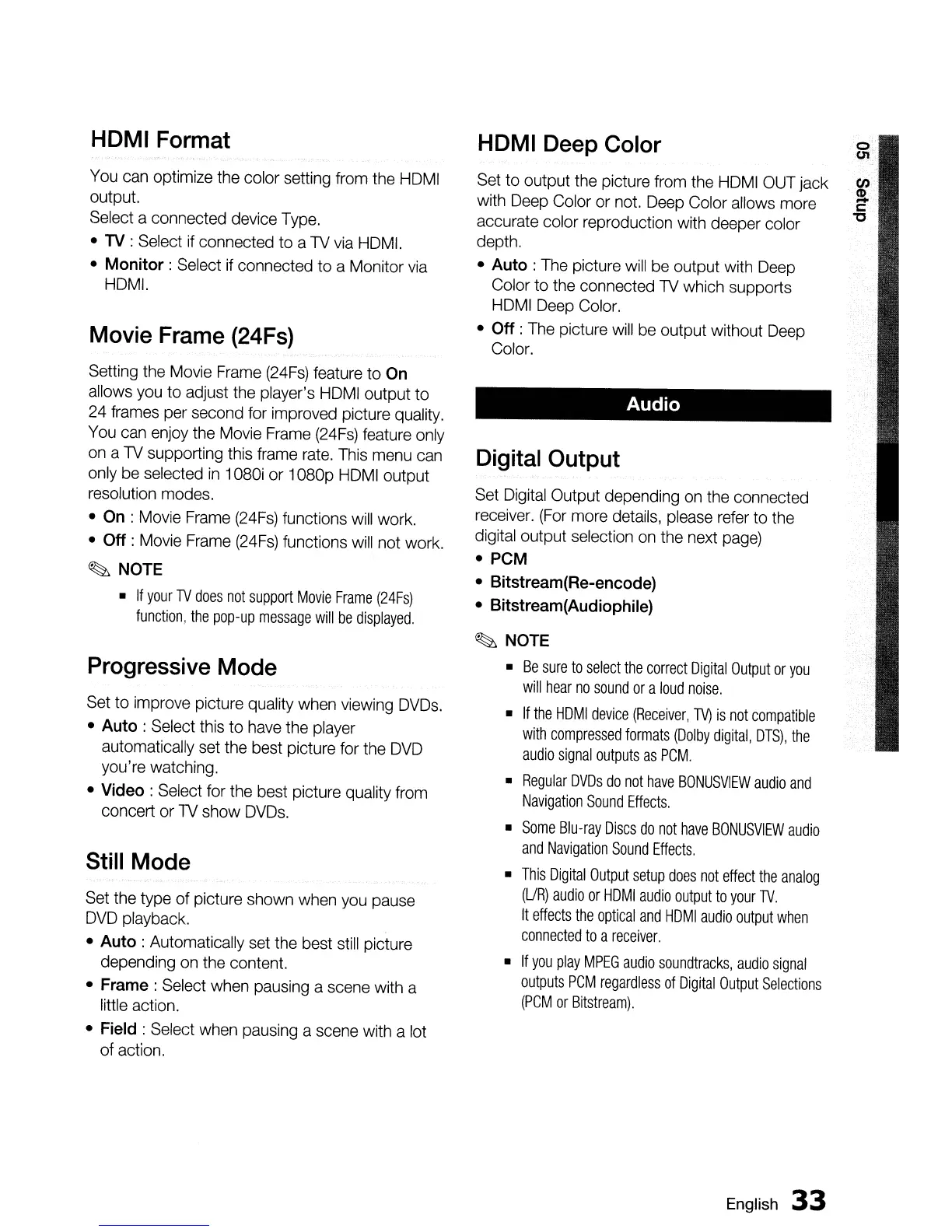
HDMI Format
You
can
optimize the color setting
from
the
HDMI
output.
Select a connected device
Type.
•
TV
: Select
if
connected to a
TV
via
HOM!.
• Monitor: Select if connected to a Monitor
via
HOM!.
Movie Frame (24Fs)
Setting
the
Movie
Frame
(24Fs)
feature
to On
allows
you
to adjust
the
player's
HDMI
output to
24
frames
per
second
for
improved picture
quality.
You
can
enjoy
the
Movie
Frame
(24Fs)
feature
only
on
a
TV
supporting this
frame
rate.
This
menu
can
only
be
selected
in
1080i
or
1080p
HDMI
output
resolution
modes.
• On :
Movie
Frame
(24Fs)
functions
will
work.
• Off :
Movie
Frame
(24Fs)
functions
will
not
work.
~
NOTE
•
If
your
TV
does
not
support
Movie
Frame
(24Fs)
function,
the
pop-up
message
will
be
displayed.
Progressive Mode
Set
to improve picture quality
when
viewing
DVDs.
•
Auto:
Select this to
have
the
player
automatically
set
the
best picture
for
the
DVD
you're watching.
• Video: Select
for
the best picture quality
from
concert
or
TV
show
DVDs.
Still Mode
Set
the
type
of picture shown
when
you
pause
DVD
playback.
•
Auto:
Automatically
set
the
best
still
picture
depending
on
the
content.
•
Frame:
Select
when
pausing
a
scene
with a
little action.
• Field : Select
when
pausing
a scene with a
lot
of action.
HDMI Deep Color
Set
to output the picture
from
the
HDMI
OUT
jack
with
Deep
Color
or
not.
Deep
Color
allows
more
accurate color reproduction
with
deeper color
depth.
•
Auto:
The
picture
will
be
output with
Deep
Color to
the
connected
TV
which supports
HDMI
Deep
Color.
• Off :
The
picture
will
be
output without
Deep
Color.
Audio
Digital Output
Set
Digital
Output depending
on
the
connected
receiver.
(For
more
details,
please
refer
to
the
digital output selection
on
the
next
page)
• PCM
• Bitstream(Re-encode)
• Bitstream(Audiophile)
~
NOTE
•
Be
sure
to
select
the
correct
Digital
Output
or
you
will
hear
no
sound
or
a
loud
noise.
•
If
the
HDMI
device
(Receiver,
TV)
is
not
compatible
with
compressed
formats
(Dolby
digital,
DTS)
,
the
audio
signal
outputs
as
PCM.
•
Regular
DVDs
do
not
have
BONUSVIEW
audio
and
NaVigation
Sound
Effects.
•
Some
Blu-ray
Discs
do
not
have
BONUSVIEW
audio
and
Navigation
Sound
Effects.
•
This
Digital
Output
setup
does
not
effect
the
analog
(UR)
audio
or
HDMI
audio
output
to
your
TV.
It
effects
the
optical
and
HDMI
audio
output
when
connected
to
a
receiver.
•
If
you
play
MPEG
audio
sQundtracks,
audio
signal
outputs
PCM
regardless
of
Digital
Output
Selections
(PCM
or
Bitstream).
English
33

Table of Contents