33
SETTING
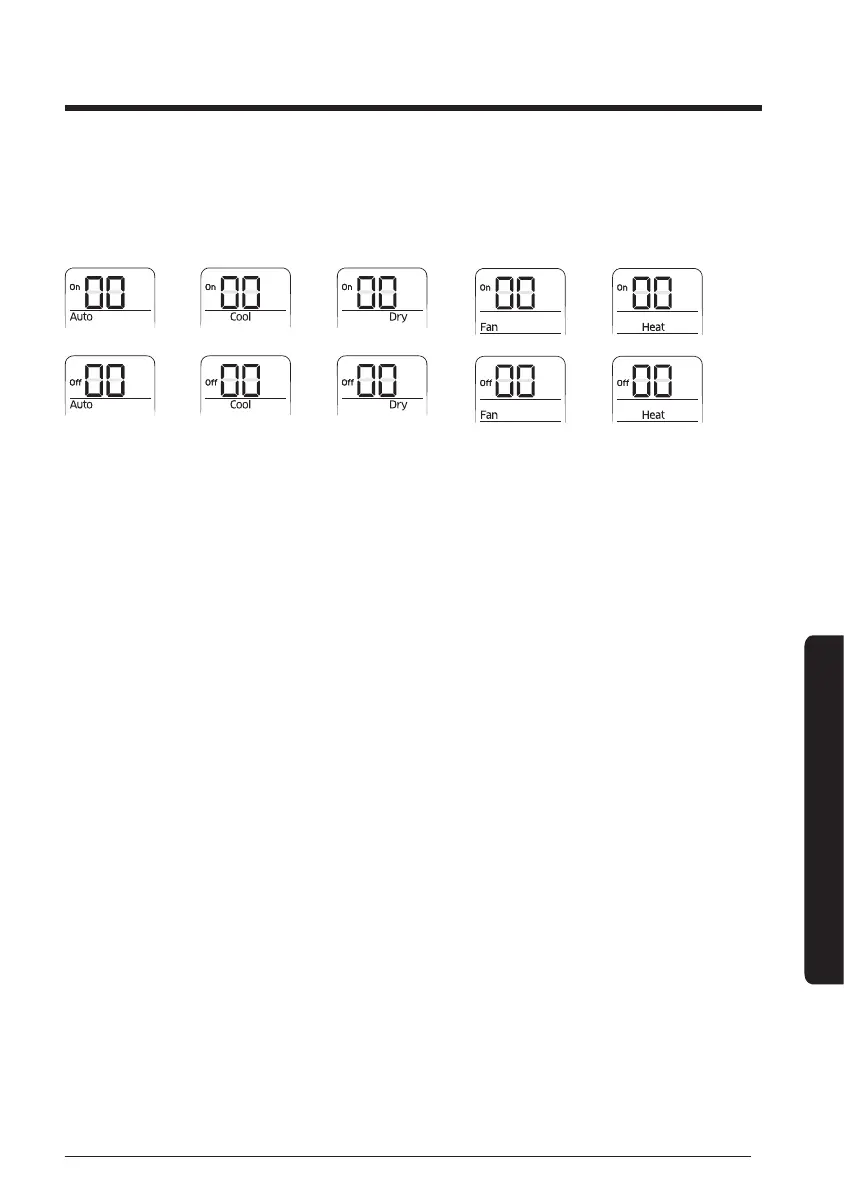
Step 3. Procedure of option setting
After option setting is complete, press the [Mode] button to check whether the setting value
is correct or not.
→→→→
→→→→
Step 4. Inputting an option
Press [Power] button twice consecutively to remote controller receiver to nish the setting.
Try more than two times to make sure that option is set.
Step 5. Check for operation
1 Check automatic reset when entering FCU KIT option, and check if it operates normally
using wired remote controller.
2 Reset the power of FCU interface module after setting address. Unplug the V1, V2
connectors connected to FCU interface module and plug them again.





 To Next Page