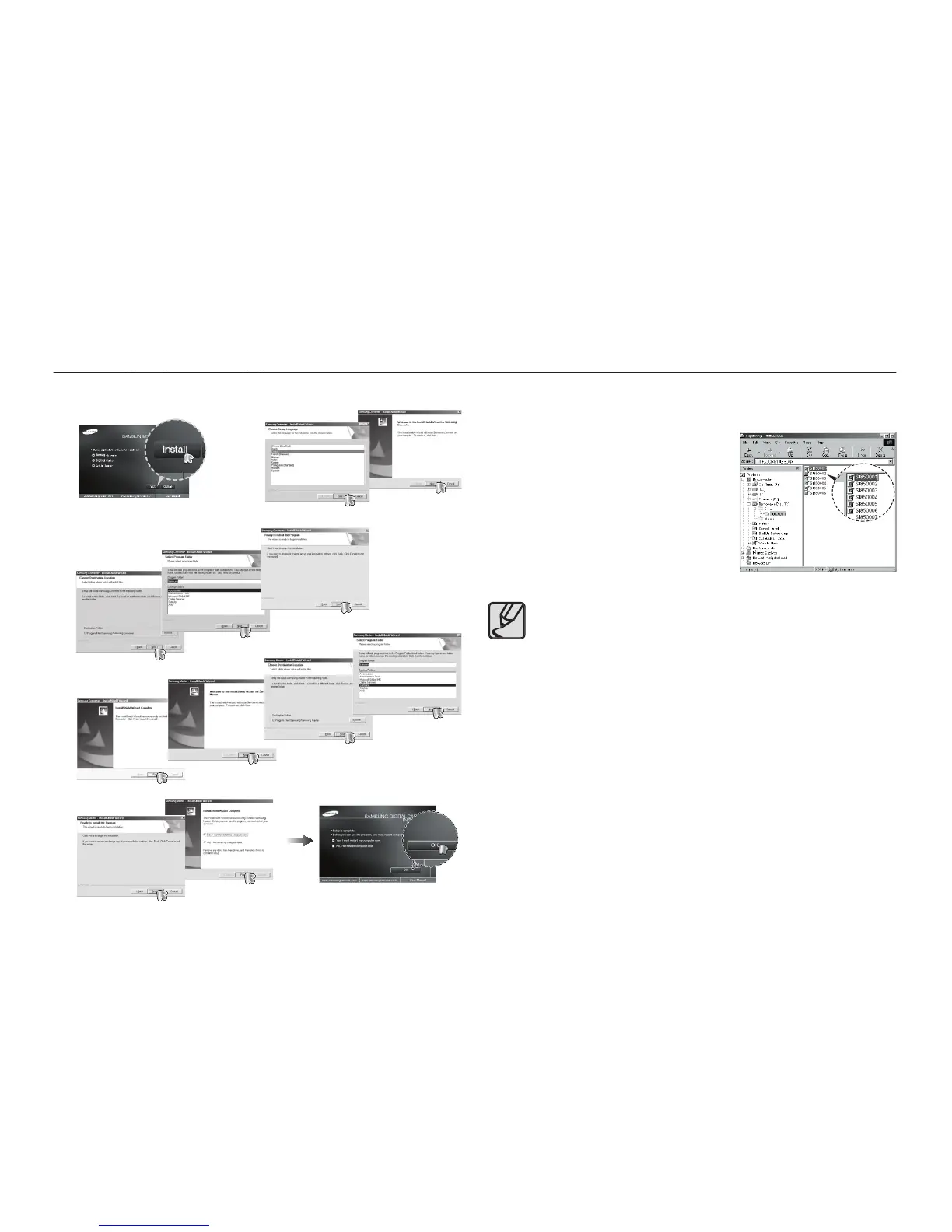
Setting up the application software
Setting up the application software
Install the software by instructions on the monitor.
After restarting the computer, connect the PC to the camera with the
Turn the camera power on. The [Found
New Hardware Wizard] will open and the
computer will recognise the camera.
If your OS is Windows XP/ Vista, an
image viewer program will open. If
the download window of Samsung
Master opens after starting Samsung
Master, the camera driver was set up
If you have installed the camera driver, the [Found New
Hardware Wizard] may not open.
On a Windows 98SE system, the Found New Hardware
Wizard dialog box opens and a window asking you to select a
driver fi le may appear. In this case, specify “USB Driver” in the
PDF documents of user manual are included in the Software
CD-ROM supplied with this camera. Search the PDF fi les with
Windows explorer. Before opening the PDF fi les, you must
install the Adobe Reader included in the Software CD-ROM.
To install the Adobe Reader 6.0.1 correctly, Internet Explorer
5.01 or later has to be installed. Visit “www.microsoft.com” and
upgrade the Internet Explorer.



 To Next Page