Starting the MP3 / PMP / TEXT VIEWER mode
Starting the MP3 / PMP / TEXT VIEWER mode
Insert the memory card that holds MP3, PMP and TEXT fi les. As this
camera has a 190MB internal memory, you can save the fi les on the
Select a desired Multi media mode. (p.93)
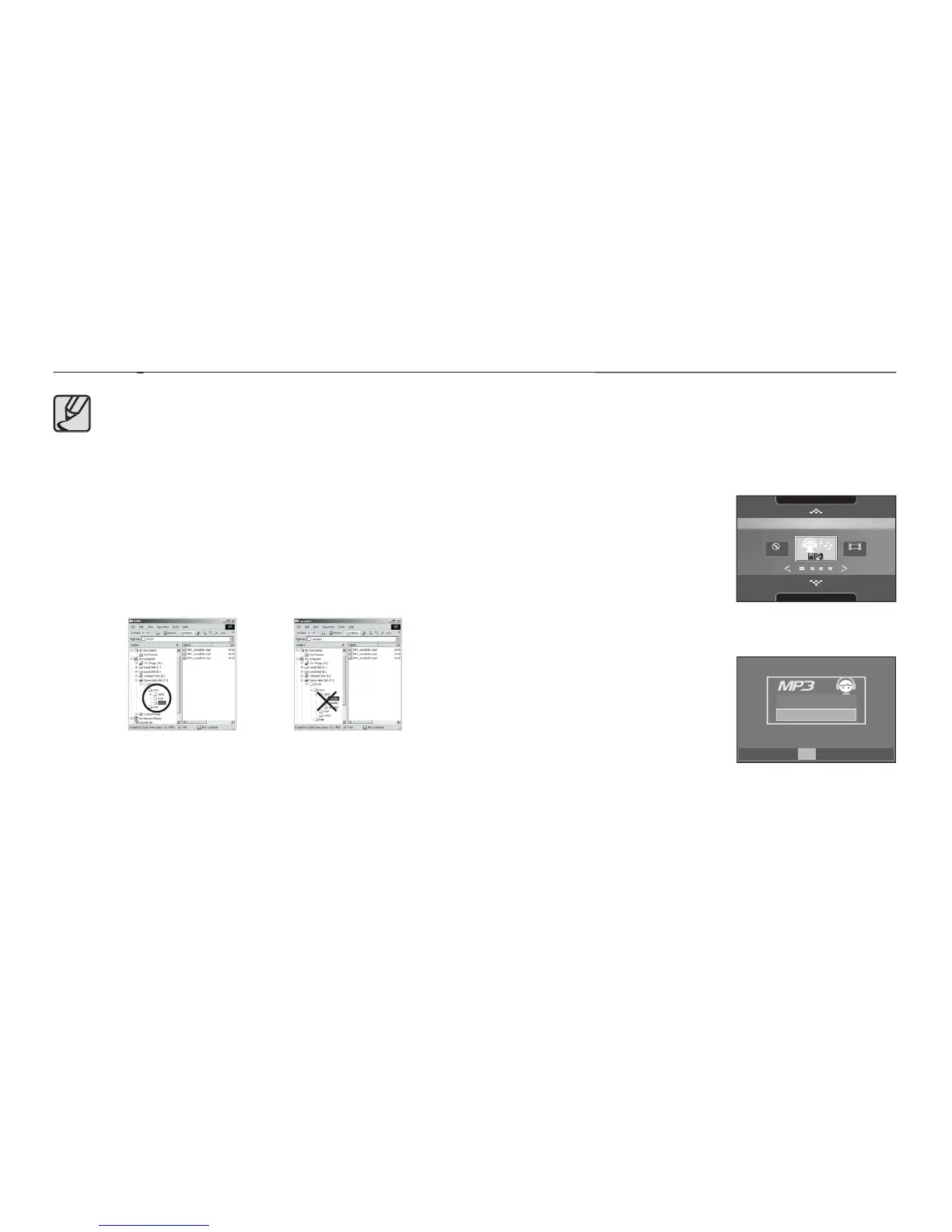
A menu will display as shown.
[Resume]: Memorizes the latest
MP3 mode: Plays back from the
PMP mode: Plays back from the latest
[Open]: The browsing menu will be displayed to select a desired fi le.
Select a desired fi le and press the
button. And then the fi le will play back.
Take care of the illegal duplication of MP3 & multimedia fi les. It
violates various copyright laws.
This camera can only play back MP3 fi les in the MP3 mode
and SDC fi les (modifi ed XviD MPEG4 video / MPEG Layer2
audio type) in the PMP mode.
If a fi le can not be played back on this camera, convert it into
the supported fi le format by using the Samsung Converter.
Up to 200 fi les and 100 sub folders can be saved in a folder.
You can create new folders up to a depth under ‘MP3, PMP
and Text’ folders. Otherwise any fi les in other folders that you
create cannot be played back.
Resume
Open
OK Confirm
SHOOTING
MP3
MULTIMEDIA
SCENE
PMP
TOUR GUIDE



 To Next Page