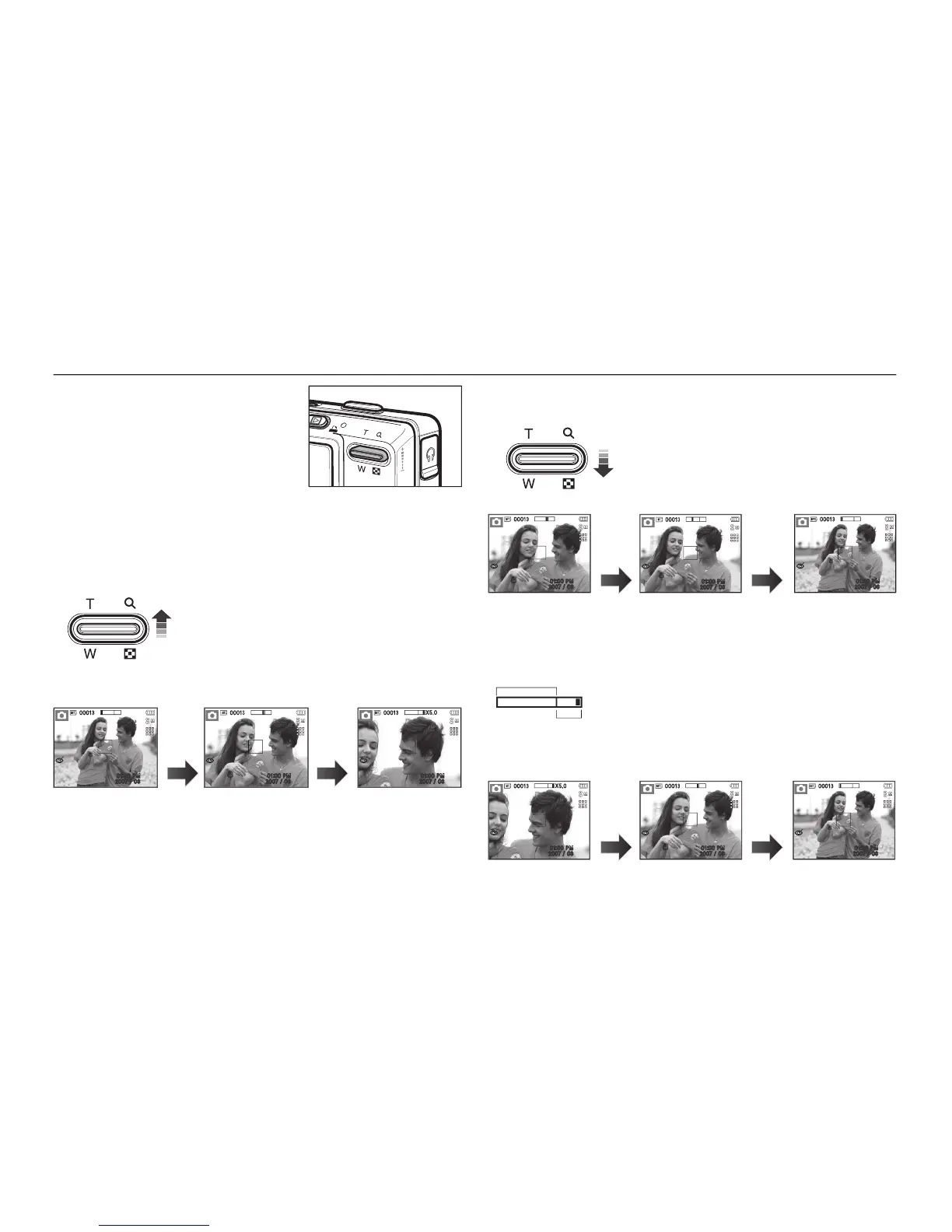
Optical zoom WIDE : Pressing the
button. This will zoom out
from the subject i.e. the subject will appear further
set the camera to its minimum zoom setting i.e. the
subject appears at its furthest from the camera.
Digital zoom WIDE : When the digital zoom is in operation, pressing
button will reduce the digital zooming
the digital zoom and then it will continue to reduce the
optical zoom until the minimum setting is reached.
If the menu is not displayed, this button
works as the OPTICAL ZOOM or
DIGITAL ZOOM button. This camera has
a 5X optical zoom and a 5X digital zoom
function. Using both will offer a total zoom
Optical zoom TELE: Pressing the
button. This will zoom into the
subject i.e. the subject will appear nearer.
Digital zoom TELE: When the maximum (5X) optical zoom is selected,
button activates the digital
digital zooming at the required setting. Once the
maximum digital zoom (5X) is achieved, pressing
button will have no effect.



 To Next Page