Starting the slide show (
Starting the slide show (
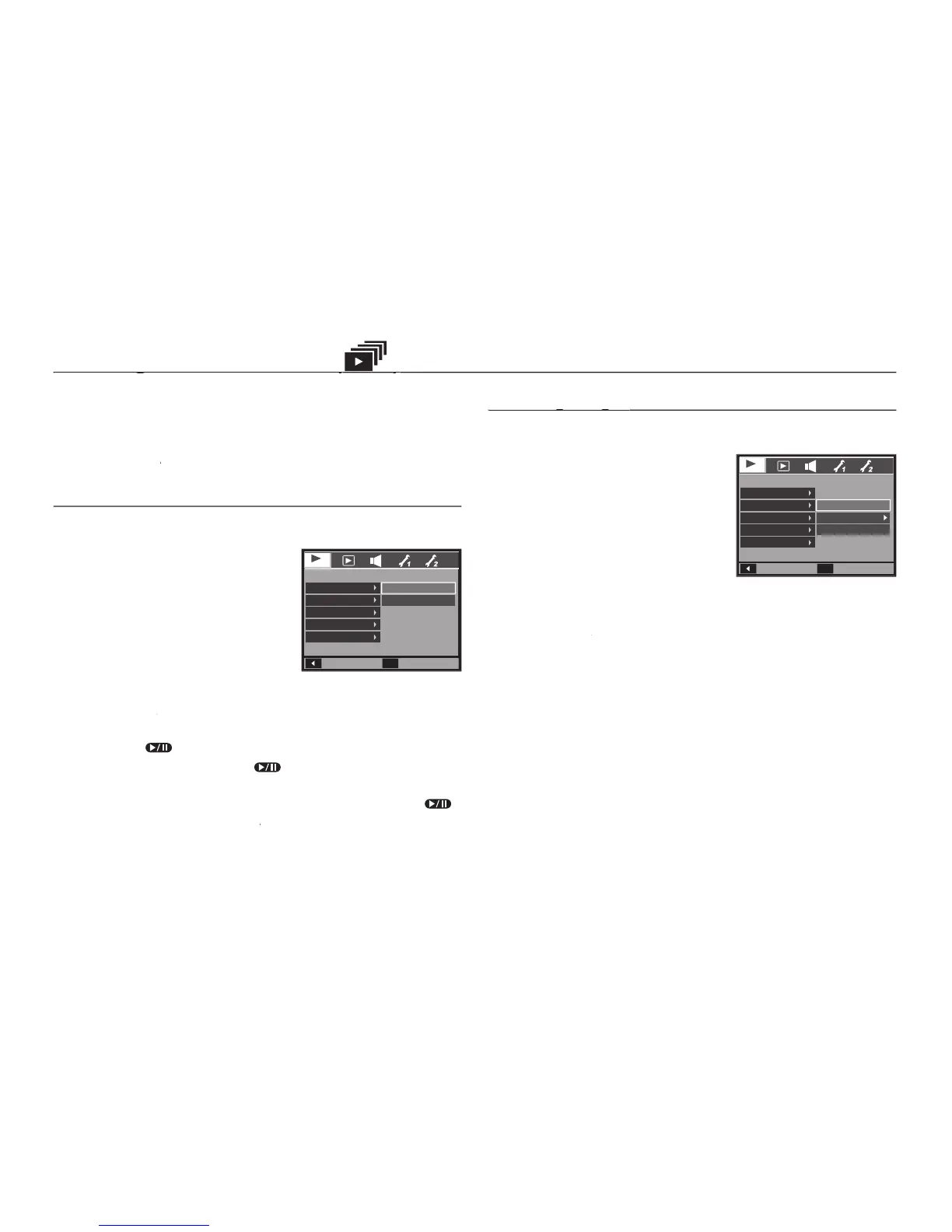
Images can be displayed continuously at pre-set intervals. You can
view the slide show by connecting the camera to an external monitor.
button and select the [SLIDE SHOW] menu tab.
The slide show can start only in the [Show Start] menu.
[Show Start] menu and press the
Select a desired sub menu by pressing
[Play]: The slide show is closed after
[Repeat Play]: The slide show is
repeated until cancelled.
button and the slideshow will be started.
OK button and the slideshow will be started.OK
– To pause the slide shown while playing it back, press the
) button again will cause the slide
– To stop playback of the slide show, press the
button, and then press the
You can select image to view.
[Image] menu and press the
Select a desired sub menu by pressing
[All]: All images saved in the
[Date]: Images taken in a specifi ed
[Select]: You can select desired images to play back.
button and the settings are saved.
OK button and the settings are saved.OK
Back
SLIDE SHOW
Show Start
Image
Effect
Interval
Music
Set
OK
Play
Repeat Play
Back
SLIDE SHOW
Show Start
Image
Effect
Interval
Music
Set
OK
All
Date
Select



 To Next Page