Encoding Type : ANSI (American National Standards Institute) Type,
– When the ANSI encoding type is displayed:
You should set the Language of the TEXT VIEWER menu to view the
text. Set the Language menu as one that is the same as the Operating
System language that the text was created.
– When the UNI encoding type is displayed:
The text fi le will be displayed with any language menu.
If the text fi le size is over 10MB, it may take a long time or even be
impossible to view the text fi le. In this case, please divide the text fi le.
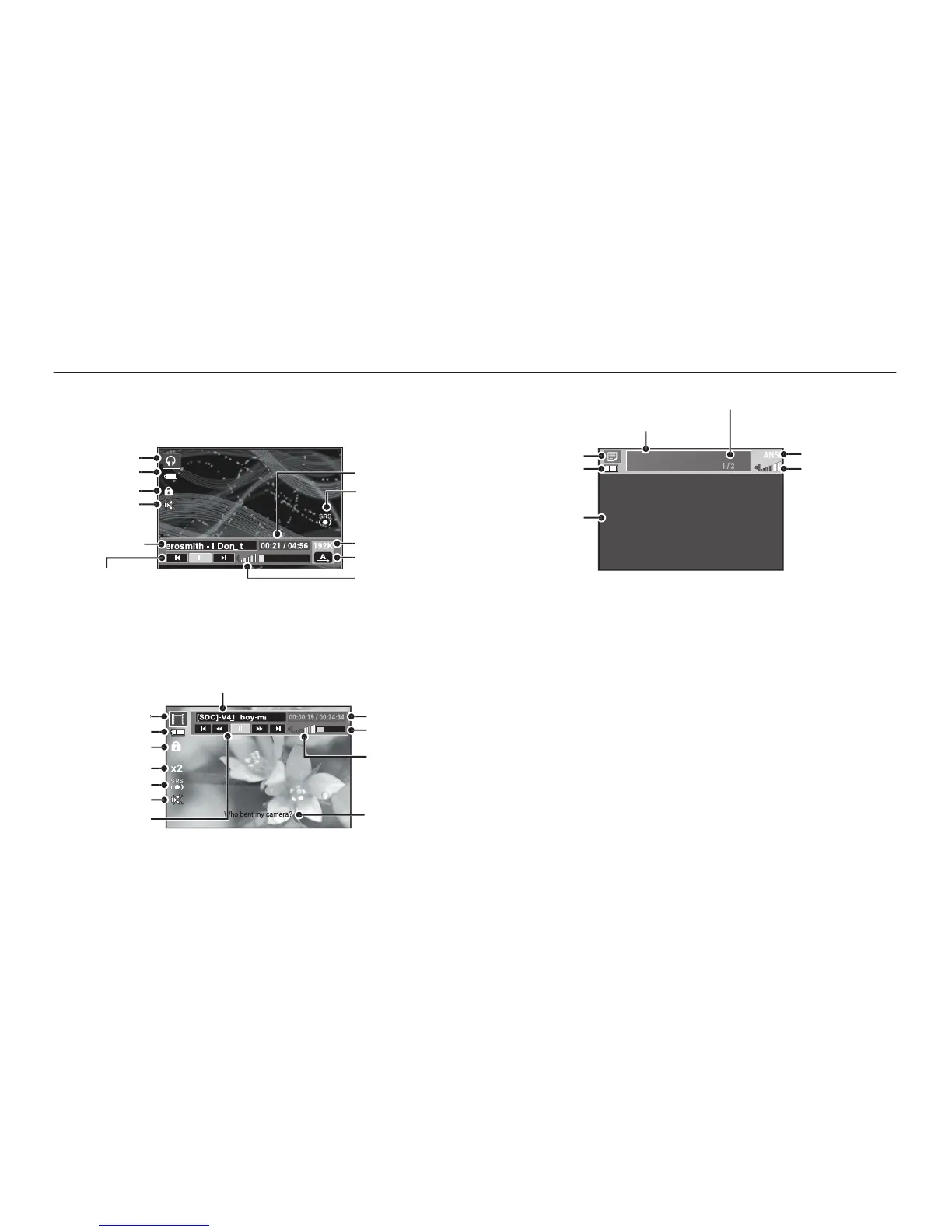
The LCD monitor displays information about the MP3, multimedia and
LCD monitor indicator for MP3 / PMP / TEXT VIEWER mode
Thank you for buying a Samsung Camera.
This manual will guide you through using the camera,
including capturing images, downloading images and
using the application software.
Please read this manual carefully before using your
new camera.
TEST.TXT
Indication of present TEXT



 To Next Page