) menu tab by pressing the
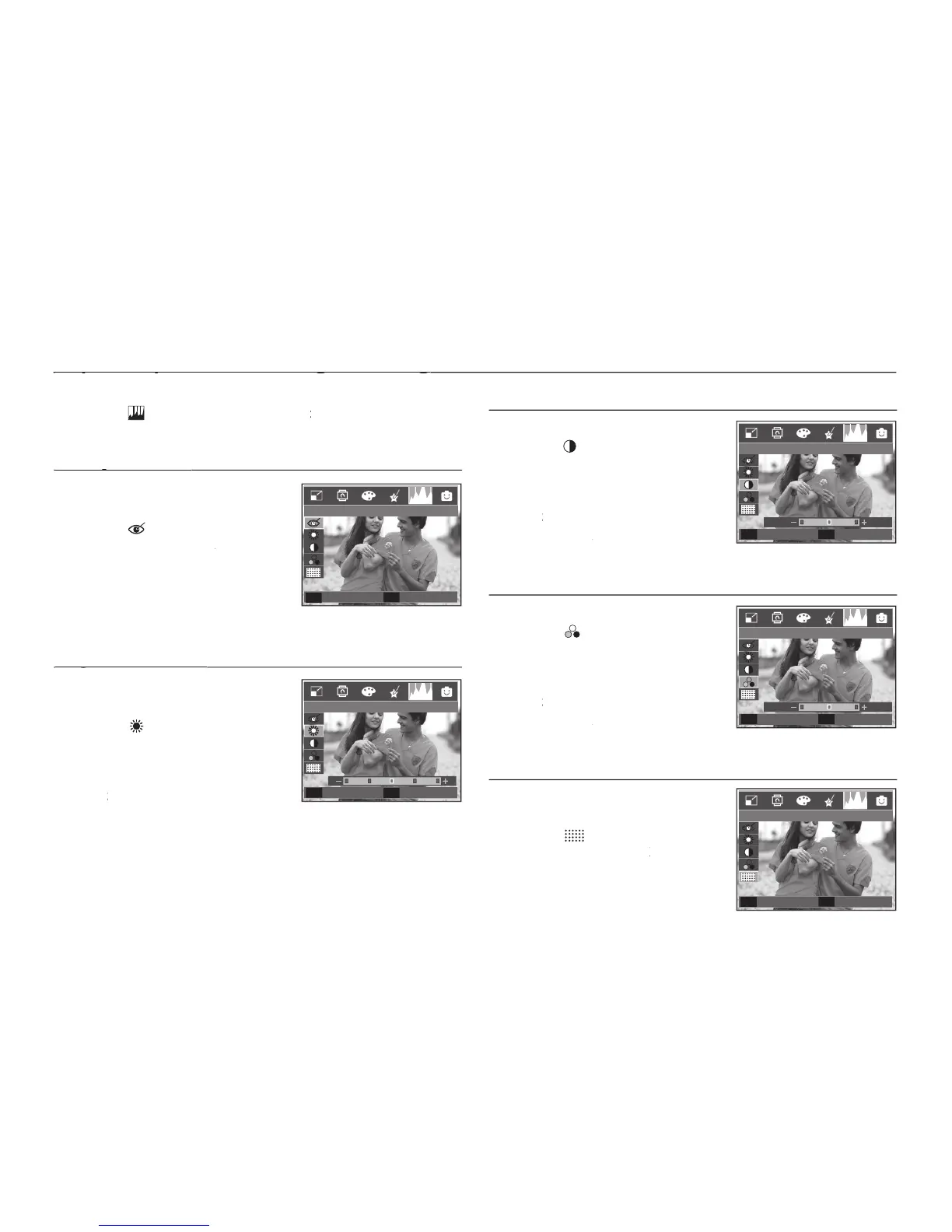
Red eye effect can be removed from the
The [Processing!] message displays
and the image is saved as a new fi le
You can change the brightness of the
button and a bar for selecting the
brightness will be displayed.
Change the brightness by pressing the
button and the image will be saved as a new fi le name.
OK button and the image will be saved as a new fi le name.OK
You can change the contrast of the image.
button and a bar for selecting the
contrast will be displayed.
Change the contrast by pressing the
button and the image will
OK button and the image will OK
be saved as a new fi le name.
You can change the saturation of the image.
button and a bar for selecting the
saturation will be displayed.
Change the saturation by pressing the
button and the image will
OK button and the image will OK
be saved as a new fi le name.
You can add noise to an image to add a
more classic feel to your photo.
The [Processing!] message appears
and the image is saved as a new fi le
E (Effect) button : Image editing
E (Effect) button : Image editing
Red Eye Fix
Back
E
Set
OK
Brightness
Set
OK
Move
◀▶
Contrast
Set
OK
Move
◀▶
Saturation
Set
OK
Move
◀▶
Add Noise
Back
E
Set
OK



 To Next Page